Media and entertainmentStatus: Available
ARES Karaoke Builder
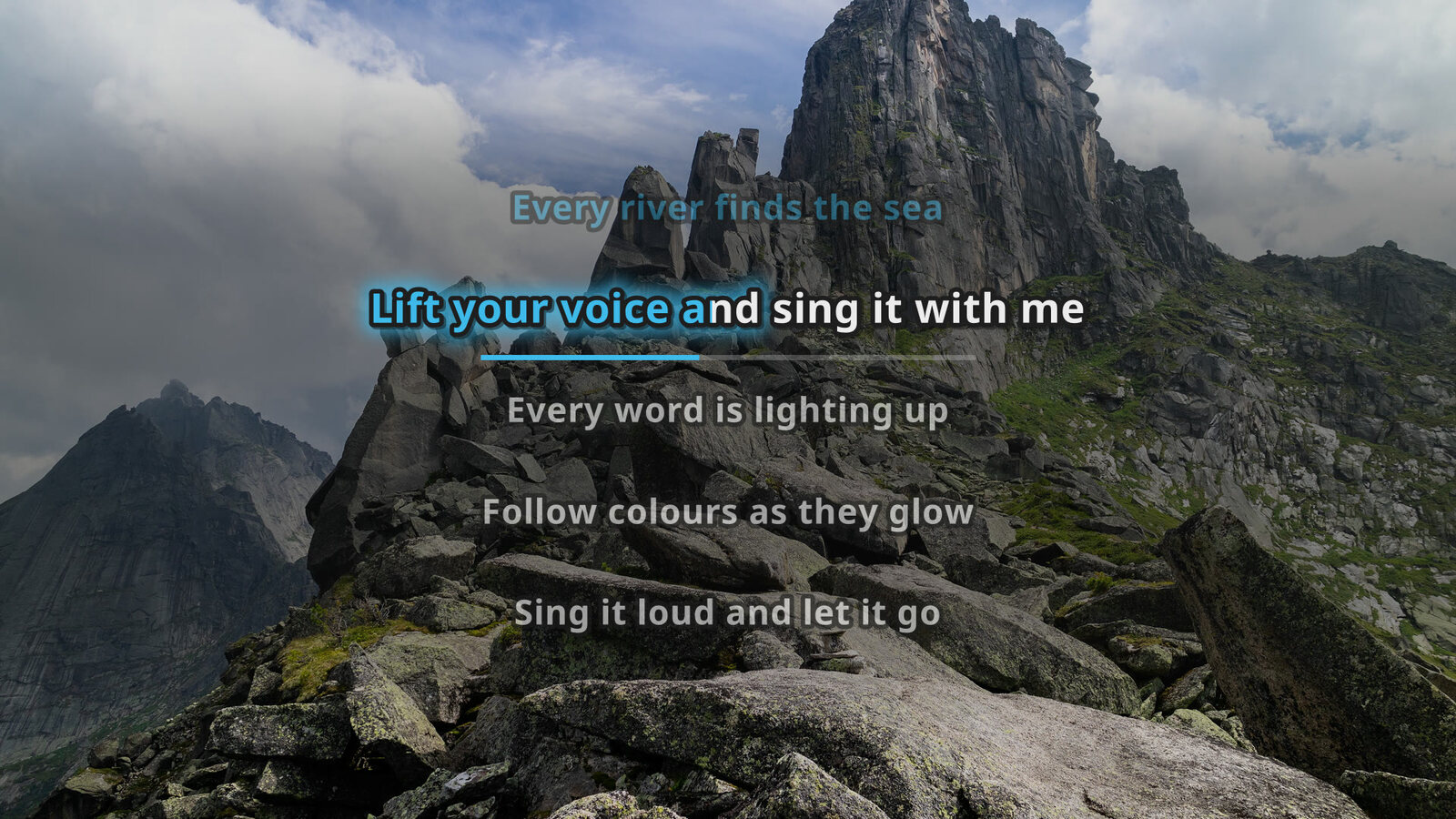
Any song, any video, turned into a sing-along karaoke video.
Nacino LabsMedia and entertainment
Your photos, turned into beautiful albums by AI.
A photo album studio in the browser and on the desktop. Bring in your photos from anywhere, keep the ones you want, and get a designed album, made by you in a drag-and-drop editor or drafted by AI in about a minute, then share it as a private link, by email or as a PDF.
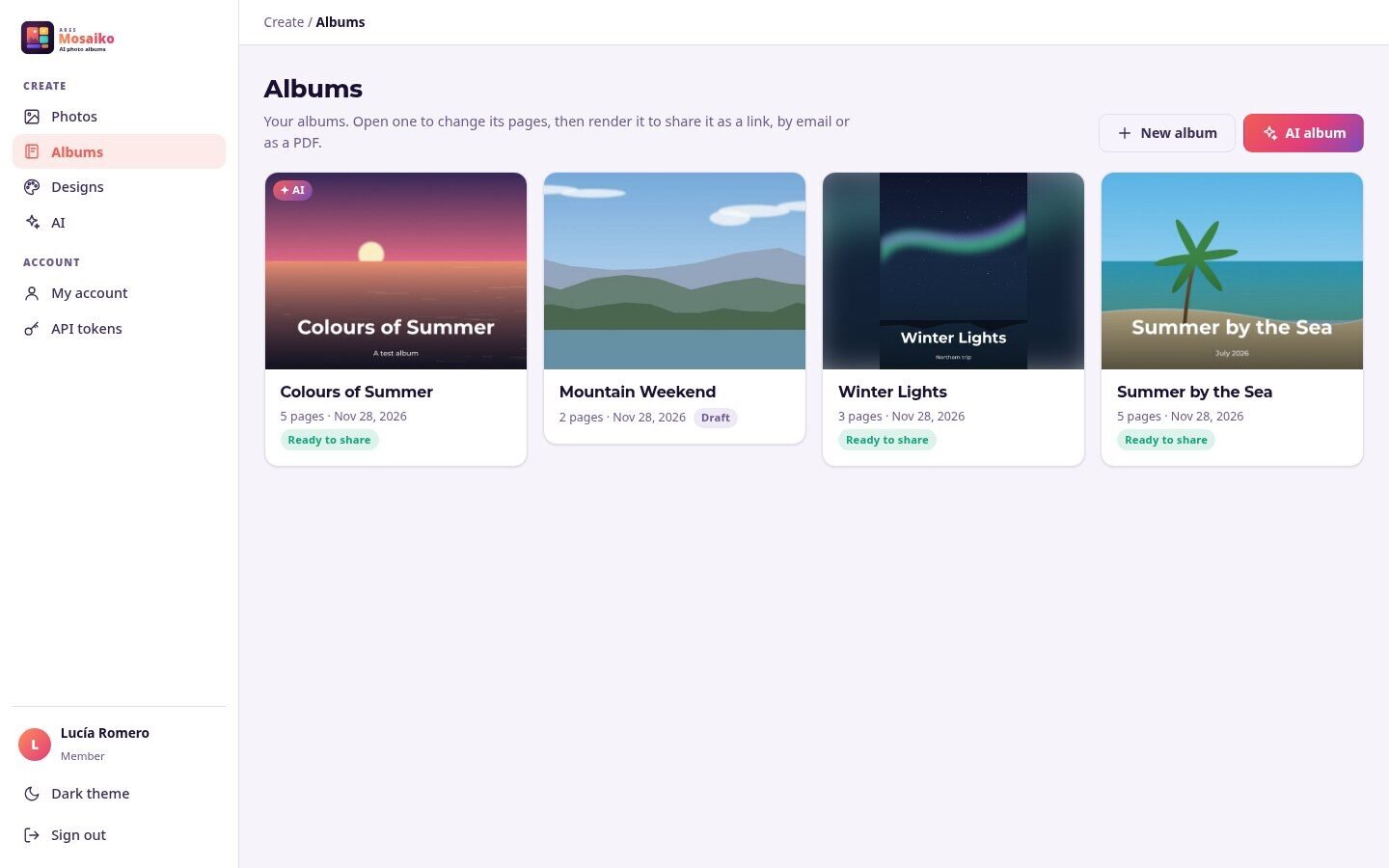
ARES Mosaiko turns a pile of photos into an album people actually look at. A holiday, a wedding or a year of the children becomes a designed album that the grandparents open on their tablet; photographers lay out a first selection for a client; schools and clubs gather the photos of an event from many people.
Photos come in from anywhere, in any amount. You keep the ones you want, and either design the album yourself in a drag-and-drop editor or let the AI draft it in about a minute and adjust it afterwards. The finished album is shared as a private link, sent by email or downloaded as a PDF.
It runs in the browser and as a desktop app for Windows, macOS and Linux, where it keeps everything on the computer. Administrators decide which AI is used and how much, and the app has the sign-in, audit and backup features of every ARES application.
Request a 7-day demo account to try it with sample photos.
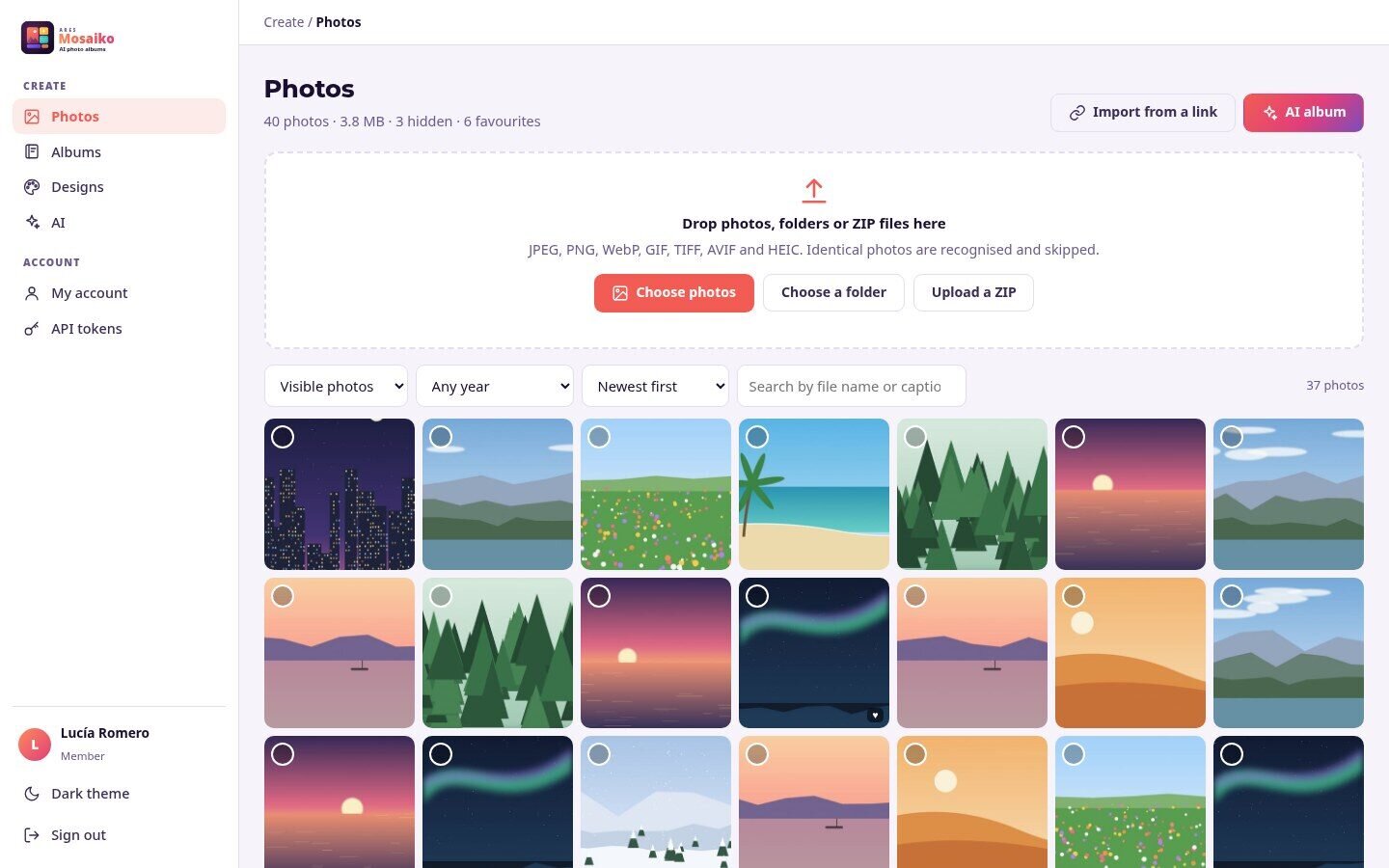
Upload photos or whole folders, a ZIP of thousands of pictures, or import a Google Photos shared album, a Dropbox or Google Drive link. iPhone HEIC photos are read, turned the right way up, and duplicates are skipped.
Select, favourite or hide photos, filter by year and search by name or caption. Hidden photos stay in the library but out of your albums.
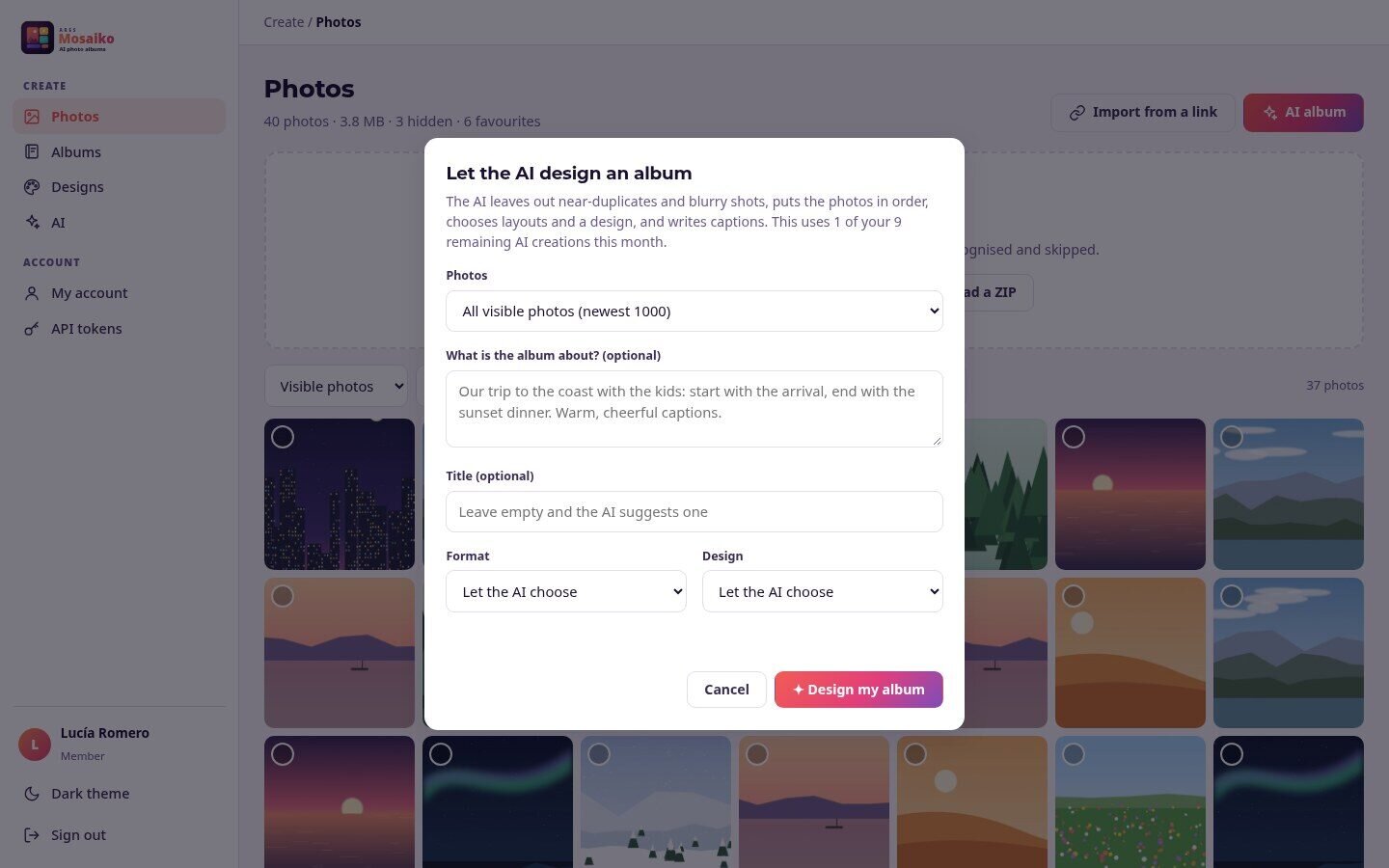
Choose the photos and say what the album is about in a sentence. Near-duplicates, blurry shots and dark frames are left out, and the AI orders the photos, lays out the pages, picks a design and writes captions.
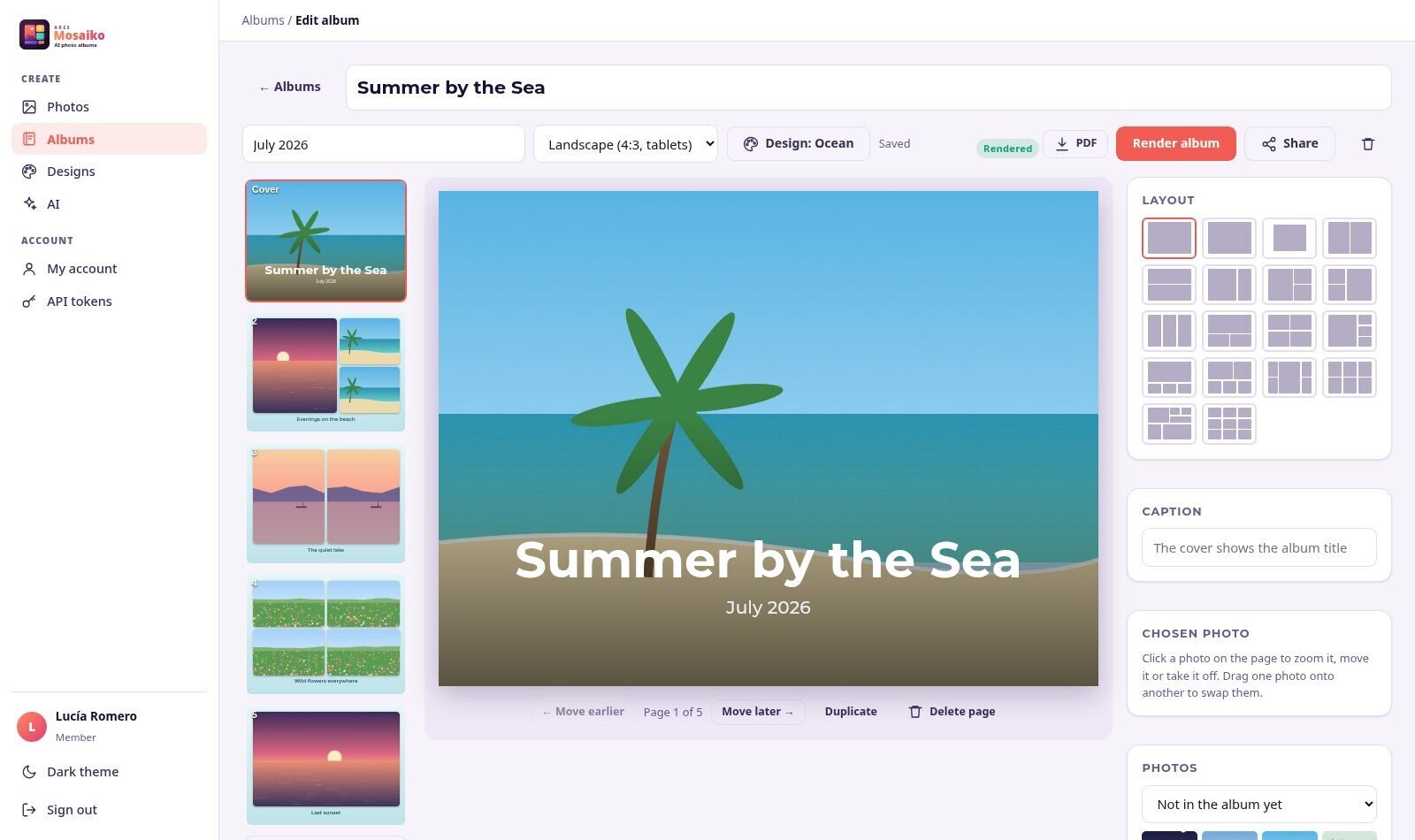
17 layouts for 1 to 9 photos, drag photos onto frames, zoom and choose the part that shows, captions, and formats for tablets, phones, square pages or wide screens. Changes save themselves.
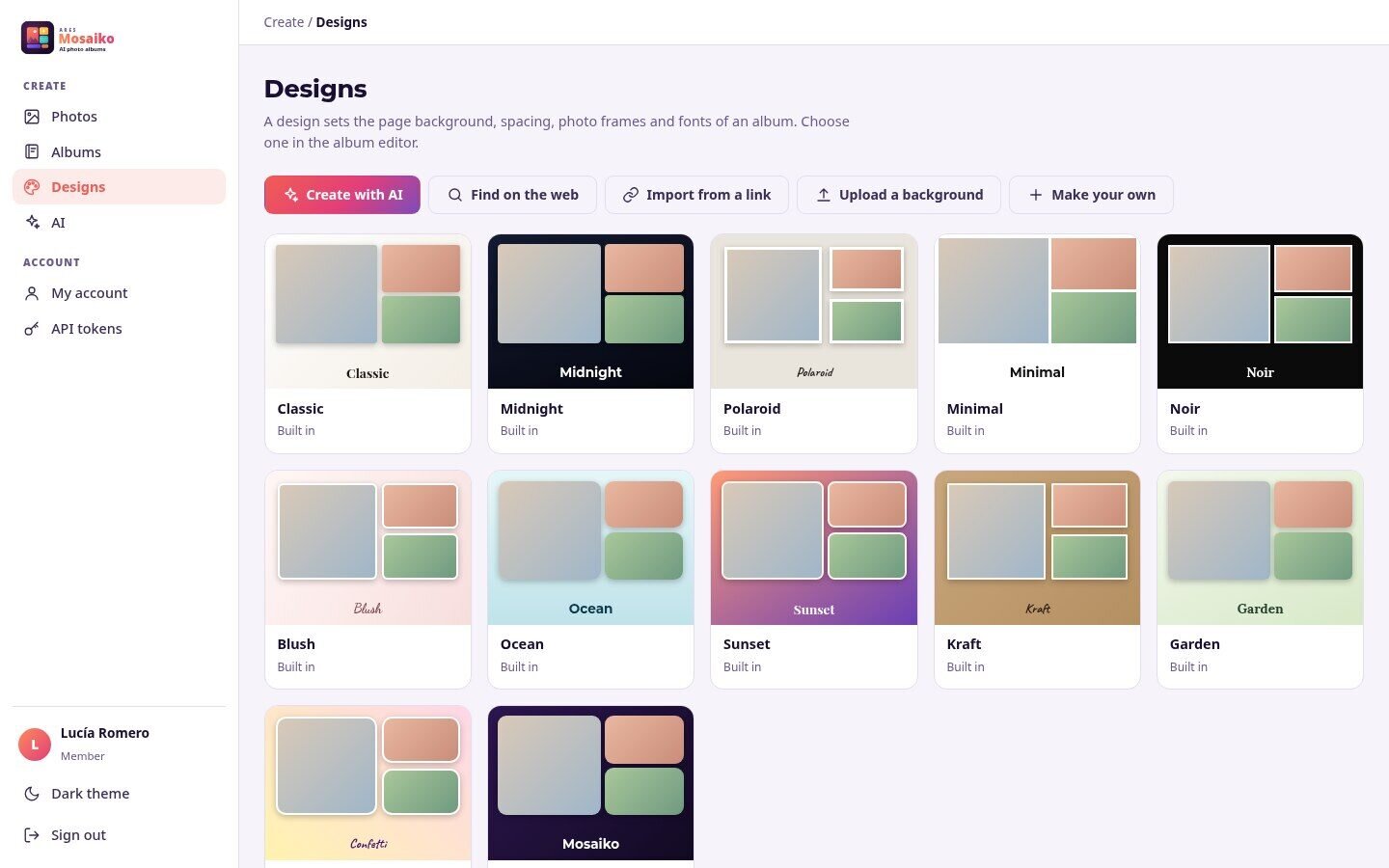
12 built-in designs, your own with a live preview, free-licensed backgrounds from the web with their credits, or a design the AI creates from a description.
A private link that opens on any phone, tablet or computer, with an expiry and a view count; an email with the cover; a PDF to keep or print.
A Facebook post with the cover, the pages as pictures for Instagram, and a 1080p video of the album for YouTube, silent or with your own music.
Choose which AI is used (Claude, OpenAI or a local Ollama server), how many creations each person gets, and whether people may bring their own key.
Two-step sign-in, LDAP / Active Directory and SAML single sign-on, API tokens, an audit log, SIEM forwarding and encrypted backups.
01
Drop in photos, folders or a ZIP, or import a shared album from a link. Then tick the ones you want, mark favourites and hide the rest.
02
Say which photos and, if you like, what the album is about. The AI leaves out near-duplicates and blurry shots, orders the rest, lays out the pages and writes the captions.
03
Change the layout, drag photos between frames, zoom in on the part that matters, add captions and reorder pages. The album saves itself as you go.
04
Pick one of the built-in designs, make your own, use a free-licensed background from the web, or describe a mood and let the AI create the design.
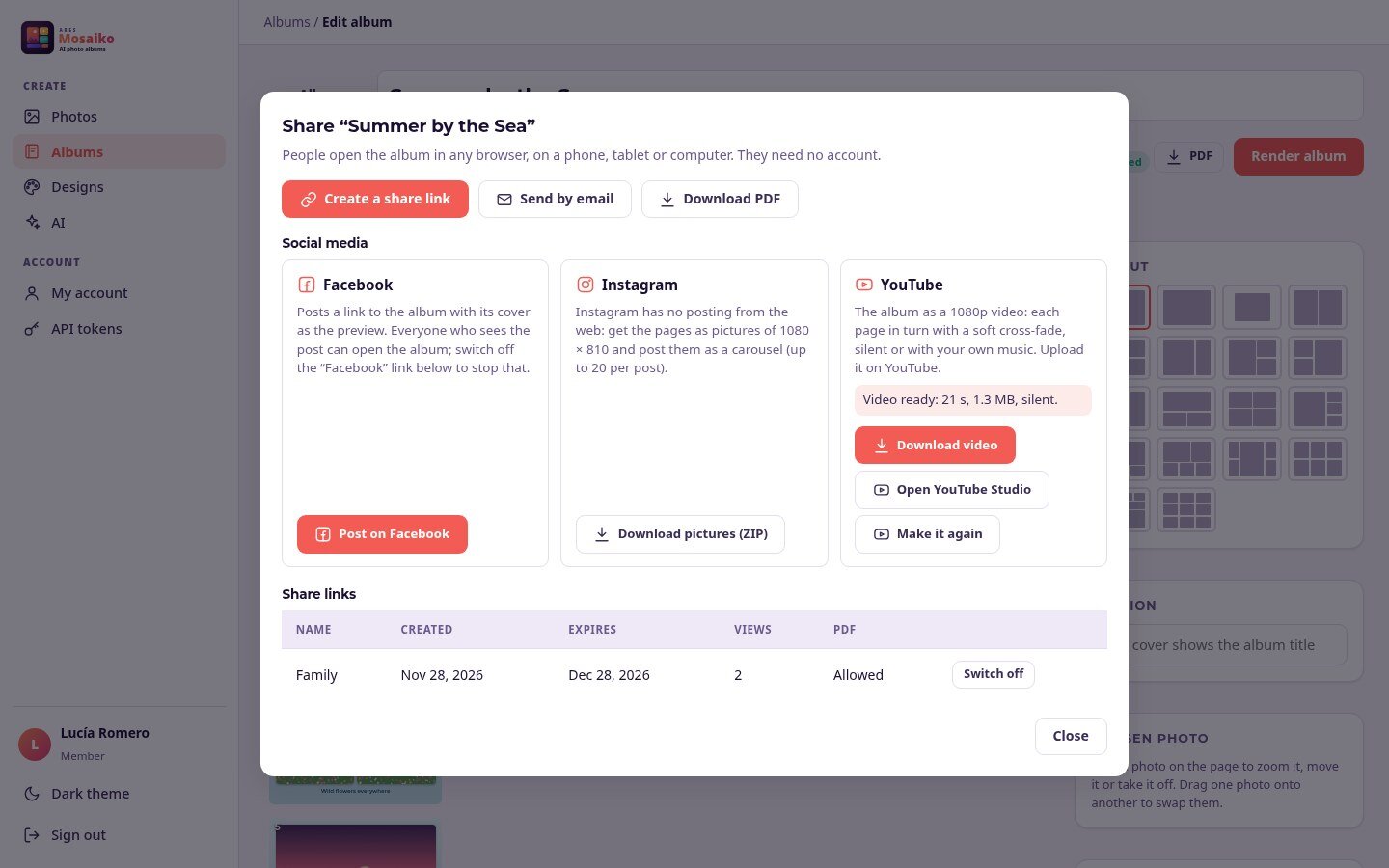
05
Make a private link for the family, send it by email, download the PDF, or get the album ready for Facebook, Instagram and YouTube.
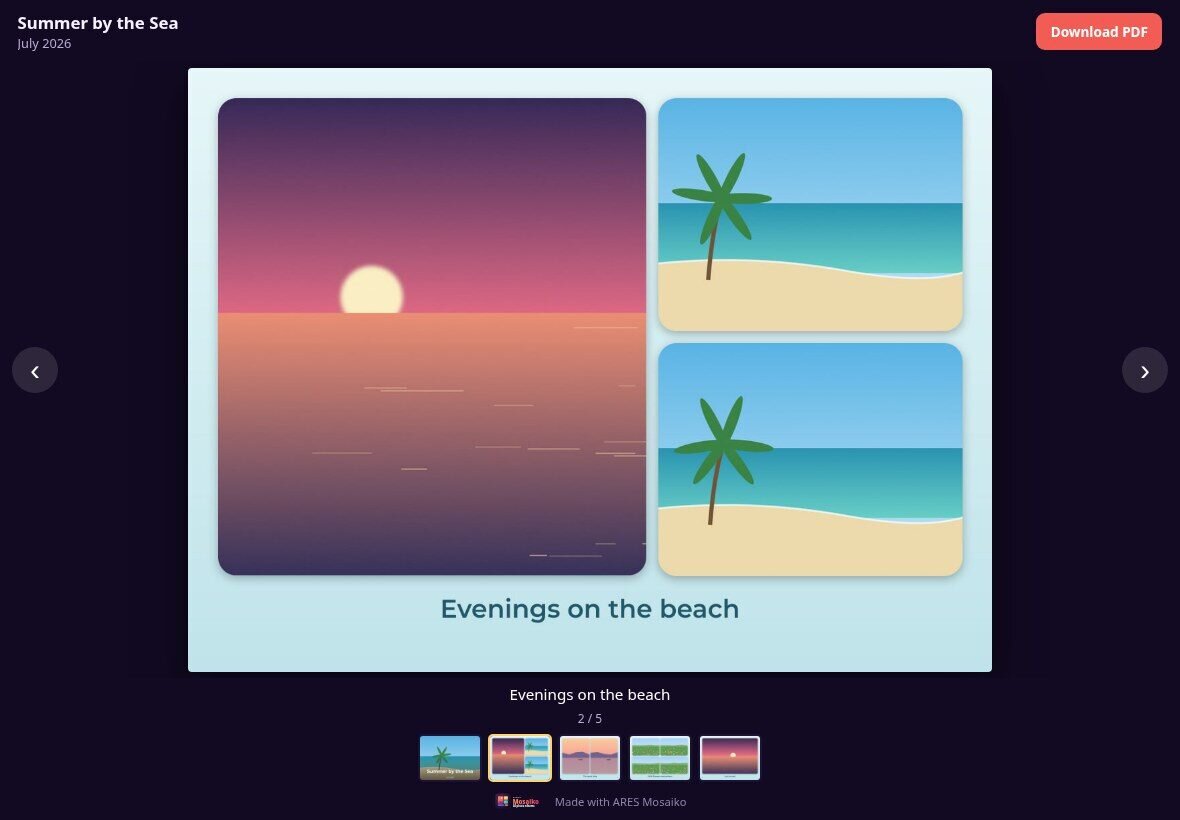
06
The album opens in any browser without an account. Swipe to turn the pages, or jump to one from the small pictures below.
Any song, any video, turned into a sing-along karaoke video.
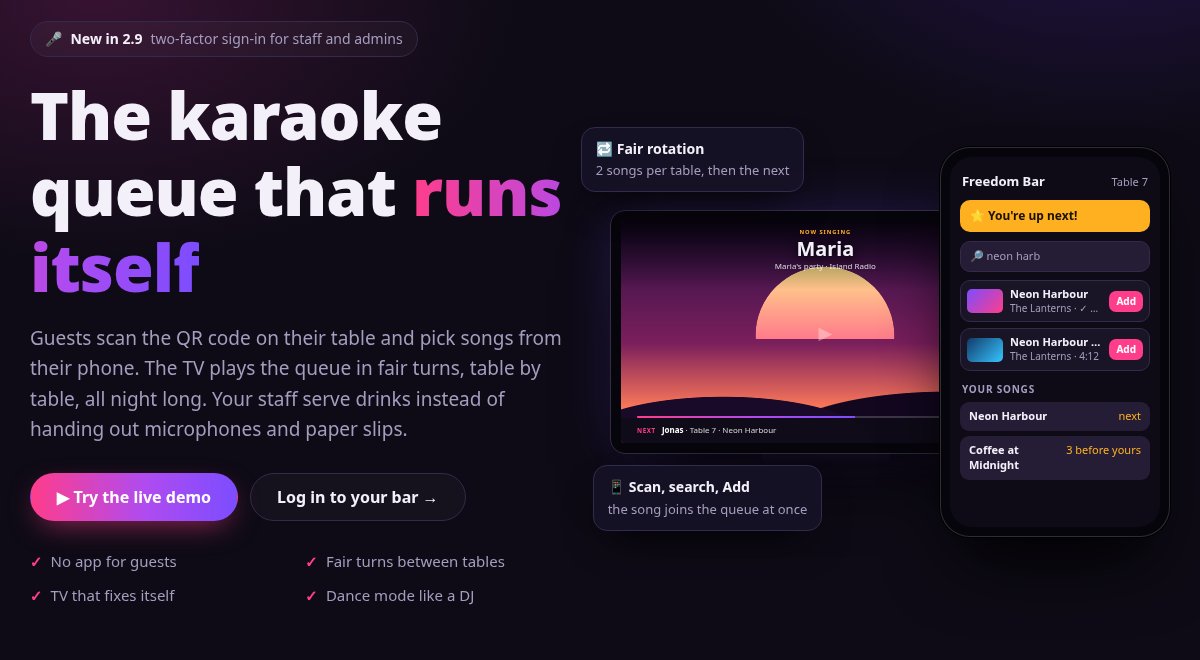
The karaoke queue that runs itself, from the guests' phones to the TV.
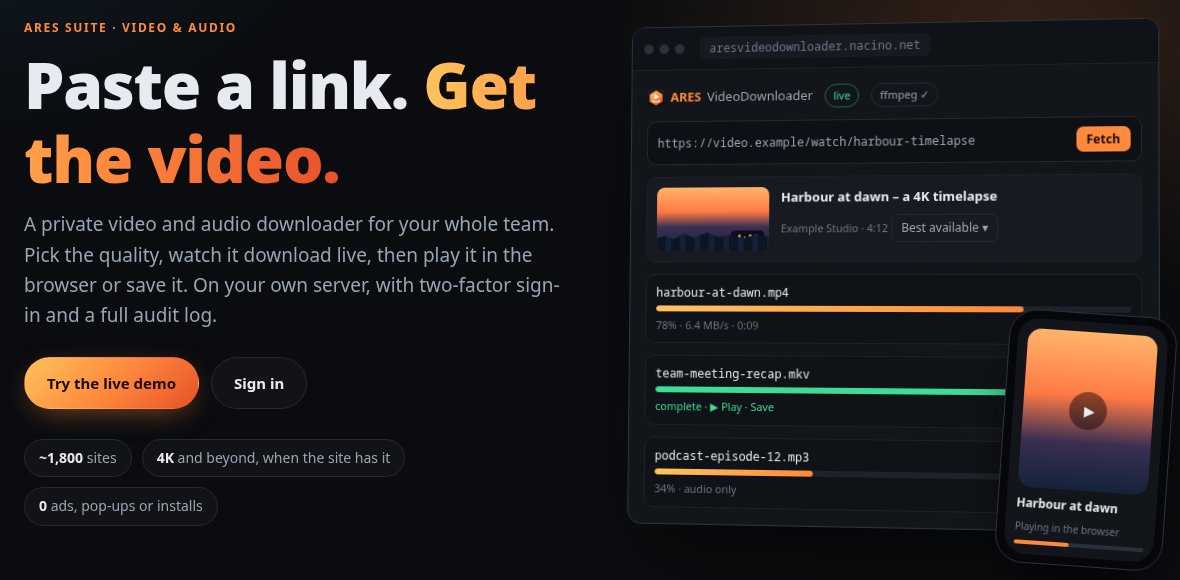
Paste a link, get the video, on your own server.