SecurityStatus: Available
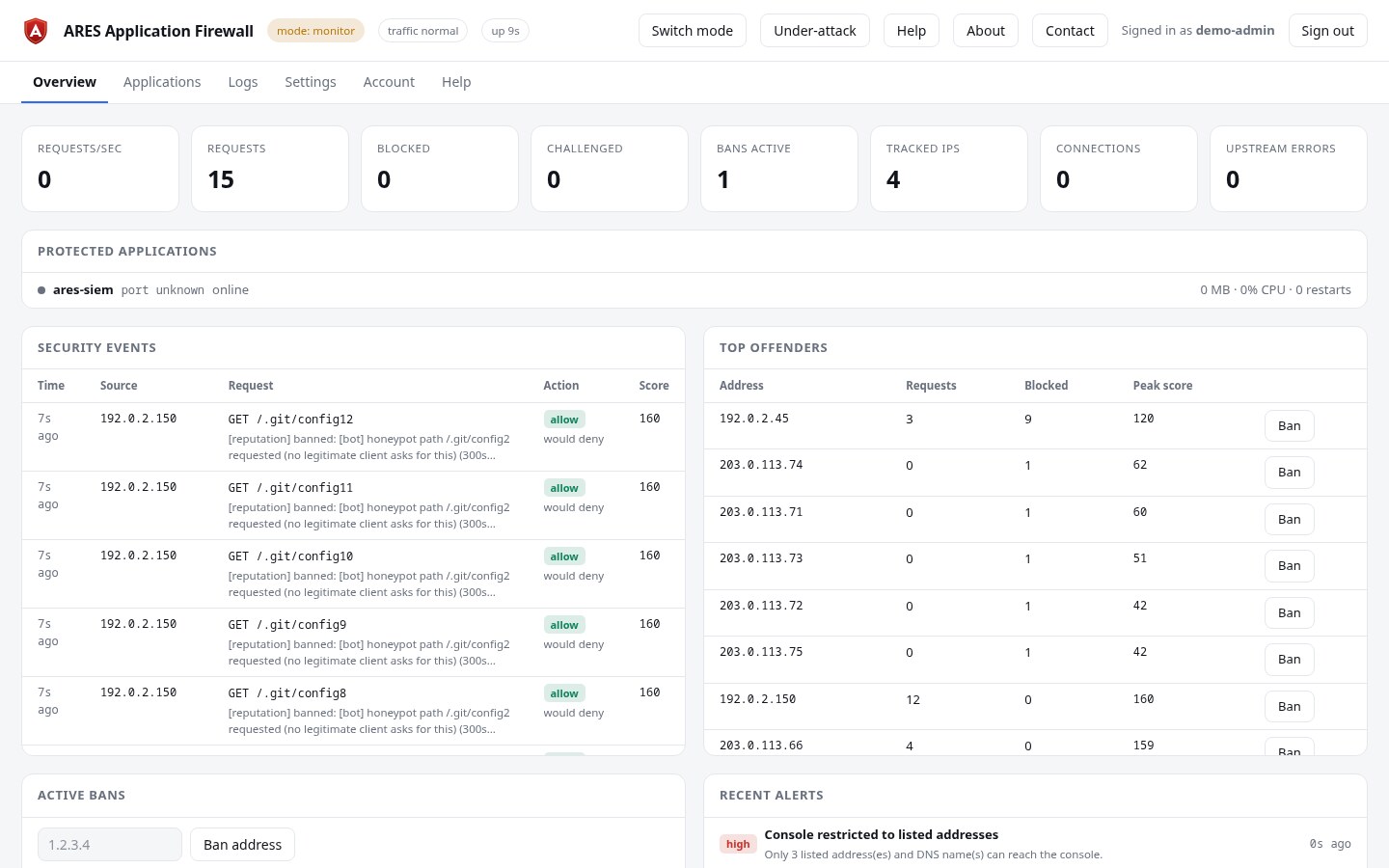
ARES Application Firewall
Stops attacks before they reach your web applications.
Nacino LabsSecurity
Reproduce a customer's case on your lab sensor.
A toolkit for SIEM support engineers. It keeps customer syslog files, data source raw logs and PCAP captures, replays them to a SIEM sensor as syslog or as traffic on the sensor's mirror port, reads captures and forwards the syslog in them, and shows every job live with a full audit trail.
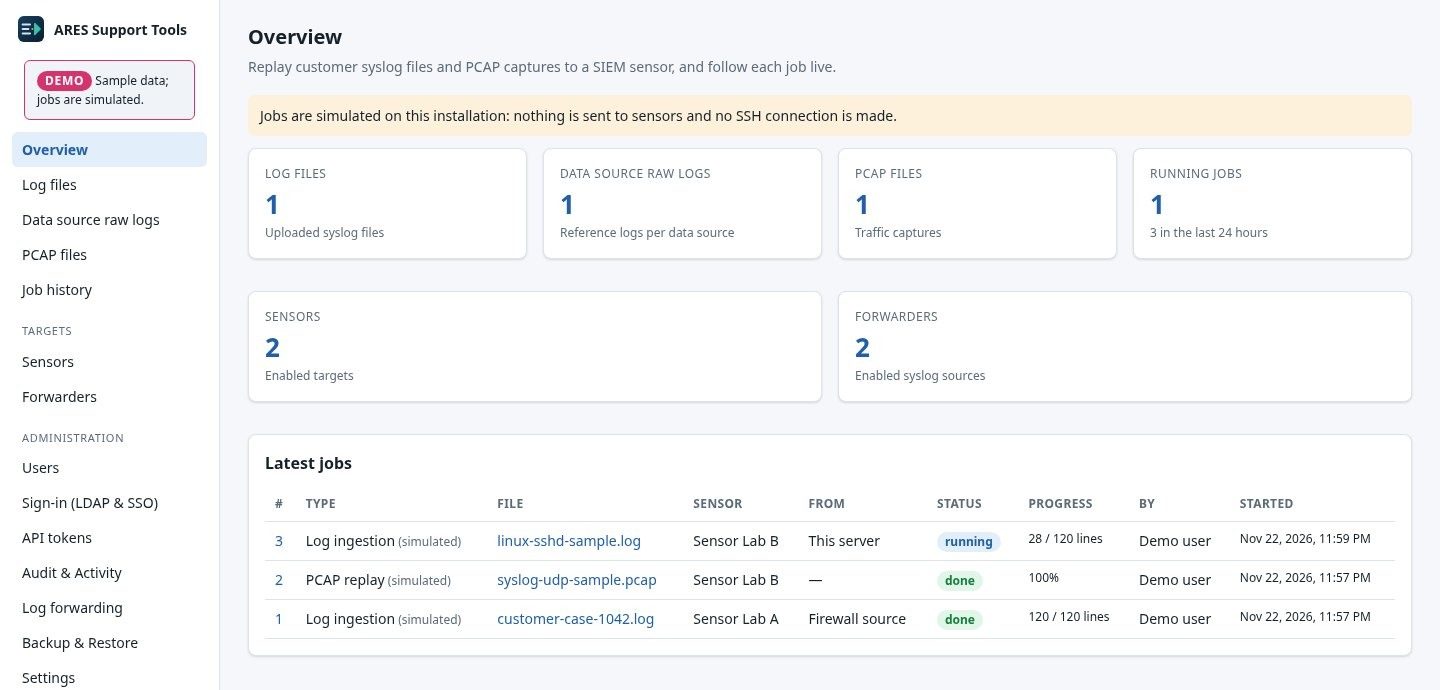
ARES Support Tools is for support and professional-services engineers who have to see, on a lab sensor, exactly what a customer’s sensor saw: the same log lines from the same source, or the same network traffic on the mirror port.
Engineers keep the customer’s files in one place, pick a sensor and send them: syslog line by line from the source address the customer’s device used, or a capture replayed with tcpreplay on the sensor’s mirror interface. Every job shows its progress live, and the audit log records who sent what, where and when.
It runs as a web application or as a desktop app for Windows, macOS and Linux that sends from the PC’s own network, for labs on isolated networks. In the demo, jobs are simulated, so nothing is ever sent to another host.
Want to see it with your sensors? Request a demo and we will set it up with you.
Customer syslog files, one reference raw log per data source and PCAP captures, searchable, with who uploaded what and when, and retention after 30 days.
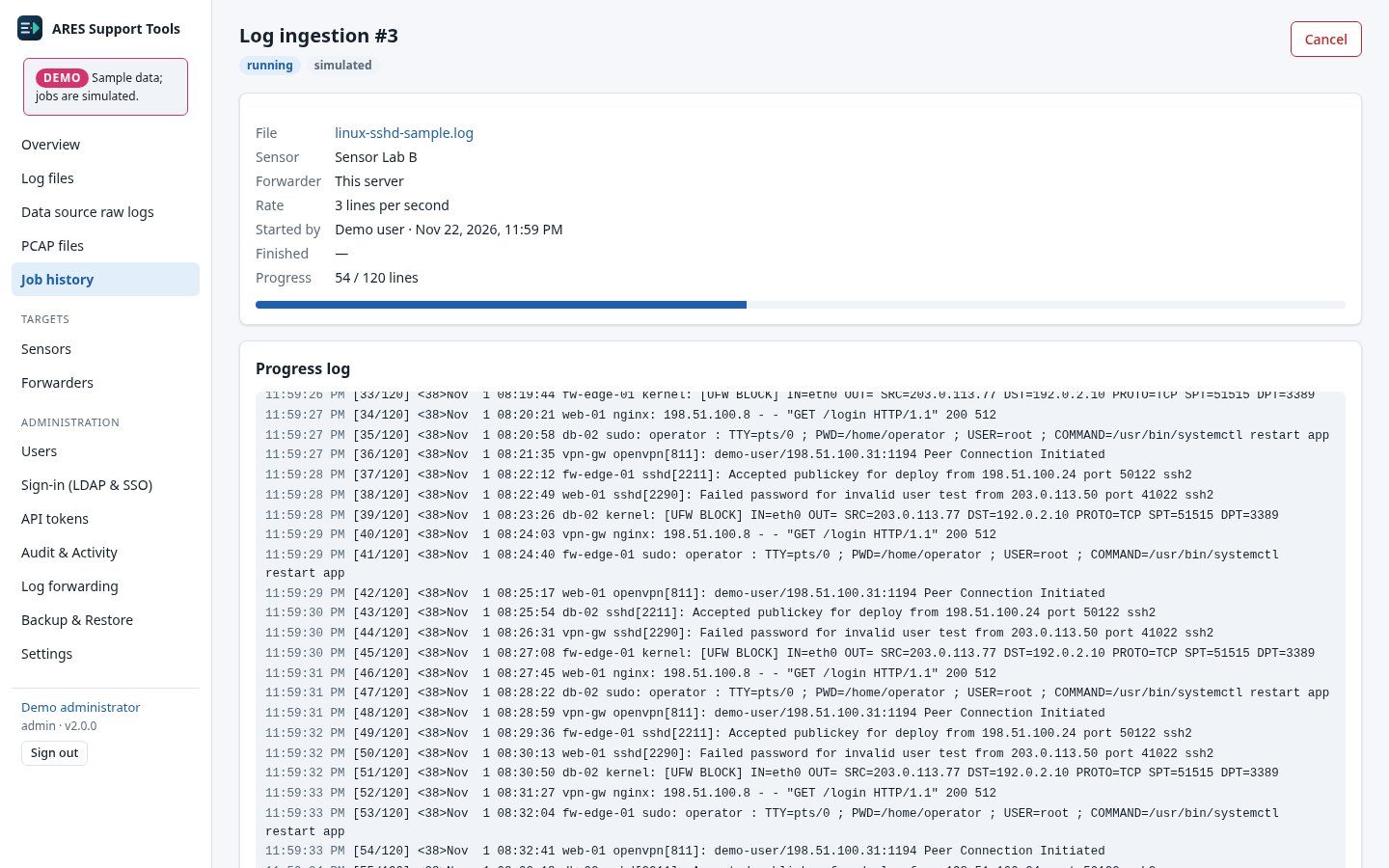
Send a file line by line from a chosen source address, over UDP, TCP, TLS or an SSH tunnel, evenly paced at up to 20,000 messages per second.
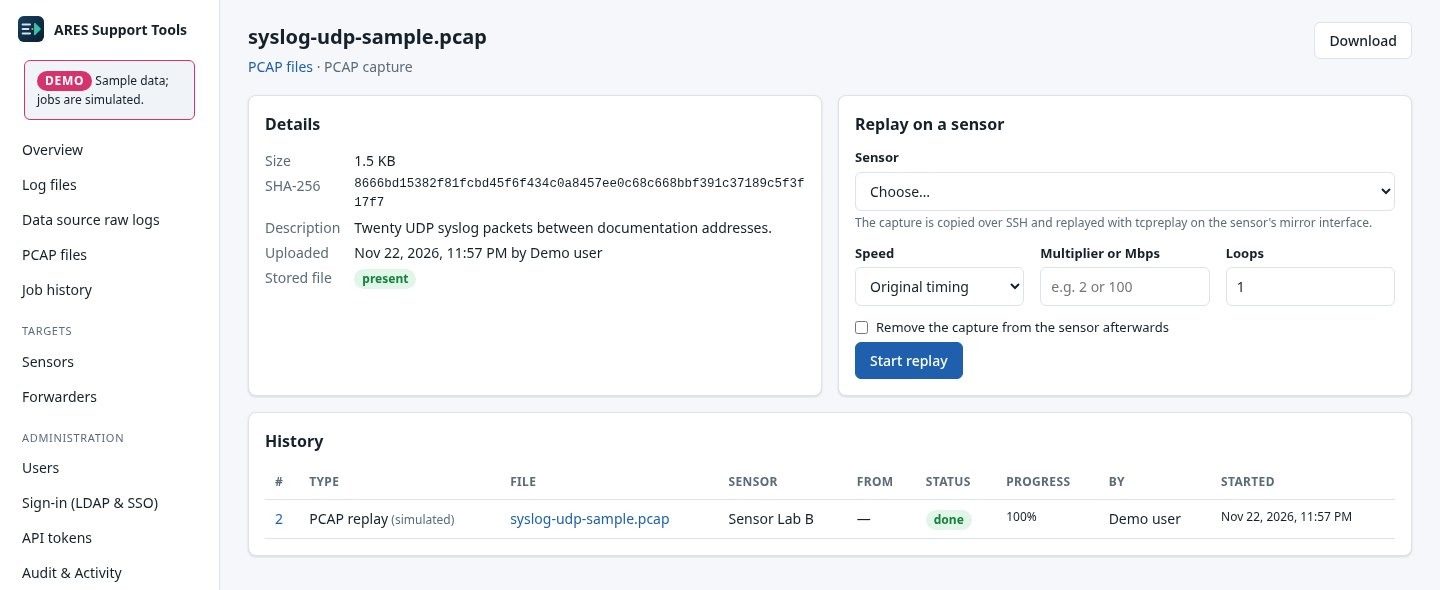
A capture is copied to the sensor over SSH and replayed with tcpreplay on its mirror interface, at the original timing, a multiplier or a fixed rate, with loops.
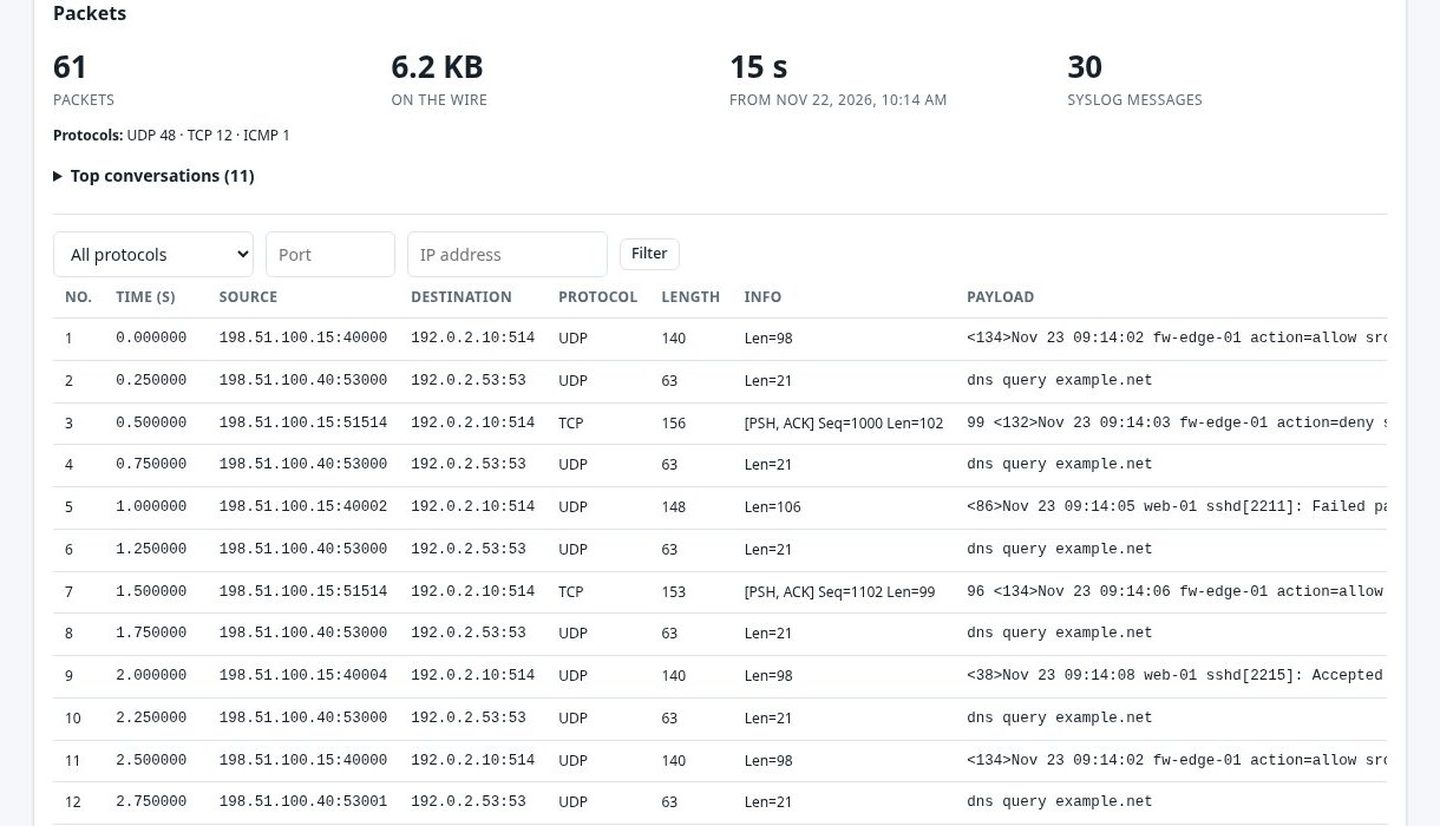
Open a capture to see its packets and conversations, forward the syslog found in it, or copy a fresh capture from a sensor.
Live progress and a progress log for every ingestion and replay, with cancel, a job history and an alert webhook for failures.
Viewer, maintainer and administrator roles, two-factor sign-in, LDAP / Active Directory and SAML single sign-on, API tokens, an audit log, SIEM forwarding and encrypted backups.
Stops attacks before they reach your web applications.
Request a demo and we will get in touch to arrange it.