Developer and operations toolsStatus: Available
ARES Code Checker
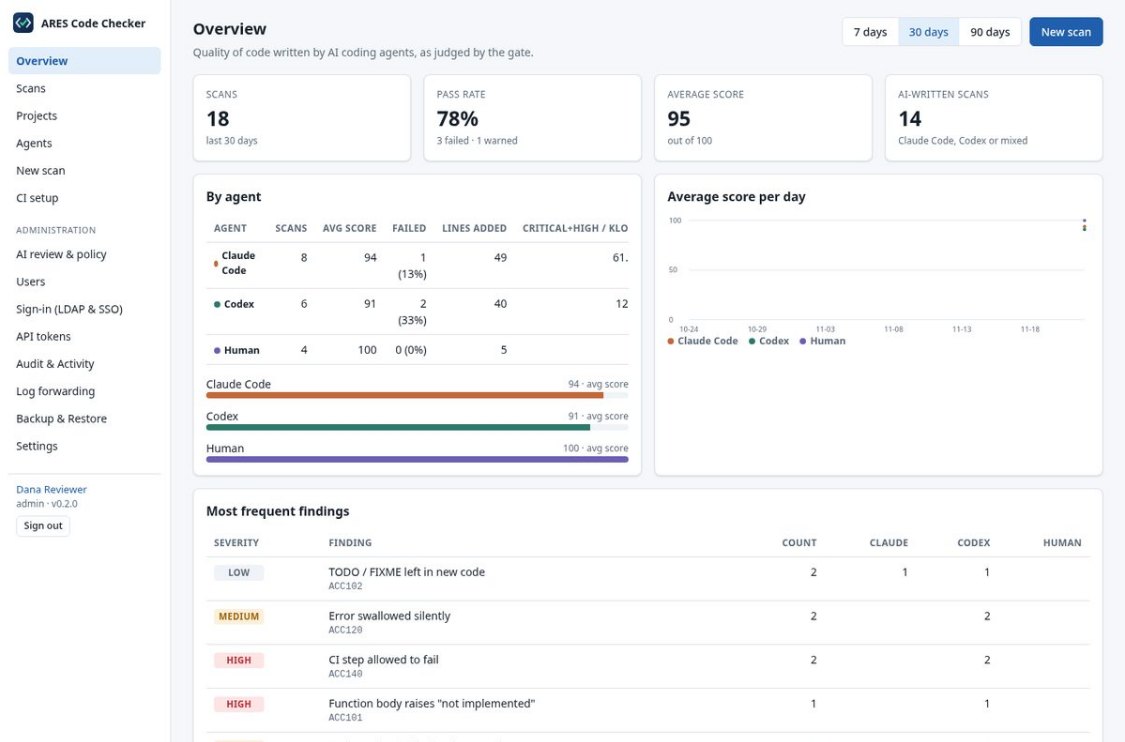
Let AI agents write the code. Check it before it merges.
Nacino LabsDeveloper and operations tools
Big files in, links out, gone on time.
A temporary drop for very large files. Upload up to 50 GB per file with curl or the browser, hand customers a public link that works for the period you choose, and every file deletes itself after the days set for its owner.
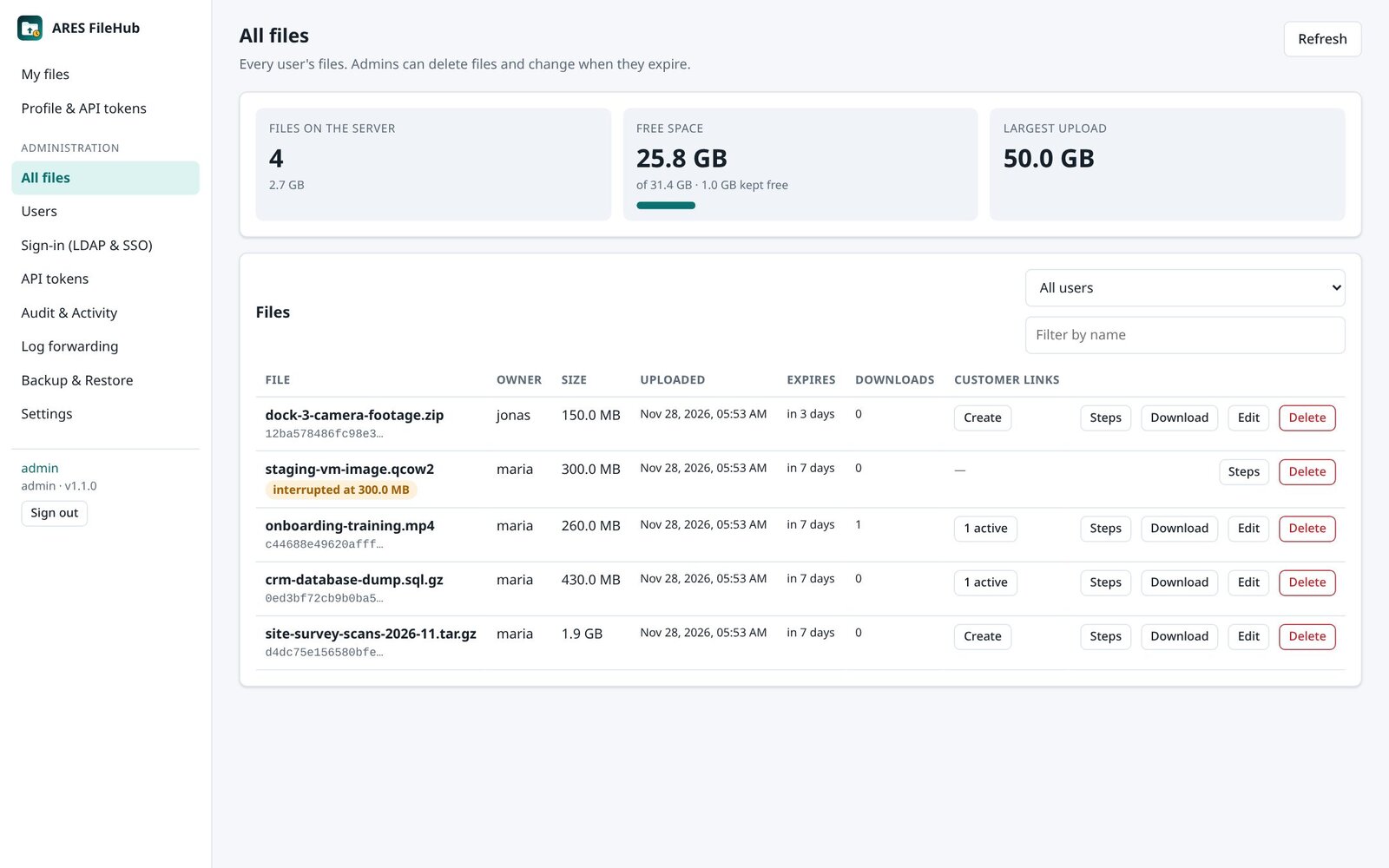
ARES FileHub is for the people who move big files: support engineers collecting logs and disk images, developers handing over builds, operations sending dumps and backups. Files that are too big for email and awkward for cloud drives go up with one curl command or from the browser, and come out as a link for the customer.
The customer opens the link in a browser or downloads it from a terminal, without an account, for as long as the link allows. Every file deletes itself after the days set for its owner, so the server never fills up with forgotten uploads.
Administrators decide who may upload, how long each user’s files are kept and how much they may store, and see every file and every download. FileHub signs people in with local accounts, the company directory or single sign-on, and sends its records to your SIEM.
See it at filehub.nacino.net, or request a 7-day demo account to try it.
Disk images, database dumps, video and whole project folders, streamed straight to disk with a SHA-256 checksum. Limits per file, per user and for free space keep one user from filling the server.
Upload with curl, which is already part of Windows, macOS and Linux, using your normal username and password. A folder is packed on the fly, several files go at once, and the browser works too.
When a 40 GB upload breaks halfway, the part that arrived is kept and the server prints the exact command that sends the rest.
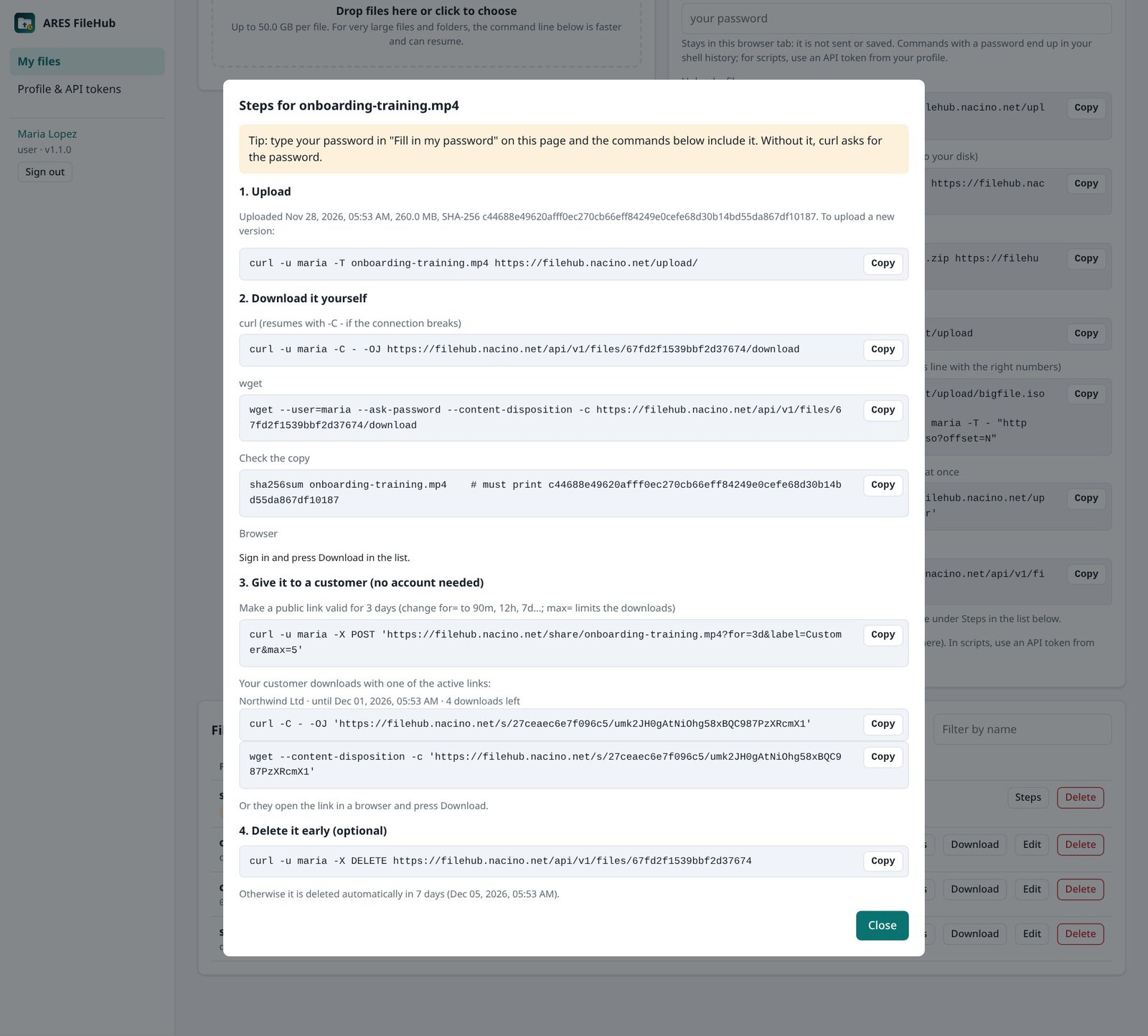
The Steps for a file give the ready-to-copy commands to upload a new version, download it with curl or wget, check it with sha256sum, give it to a customer or delete it early.
A link per customer, valid from 1 hour to 14 days, with a label and an optional download limit. Customers need no account and can resume a broken download.
Each file expires after the days set for its owner, and the app removes it with its links. Nobody has to clean up.
Local accounts, LDAP / Active Directory and SAML single sign-on, optional two-factor sign-in and API tokens for scripts.
An audit of every sign-in, upload, download and link, SIEM forwarding over syslog or HTTPS, and encrypted backups to the server, SFTP or S3.
01
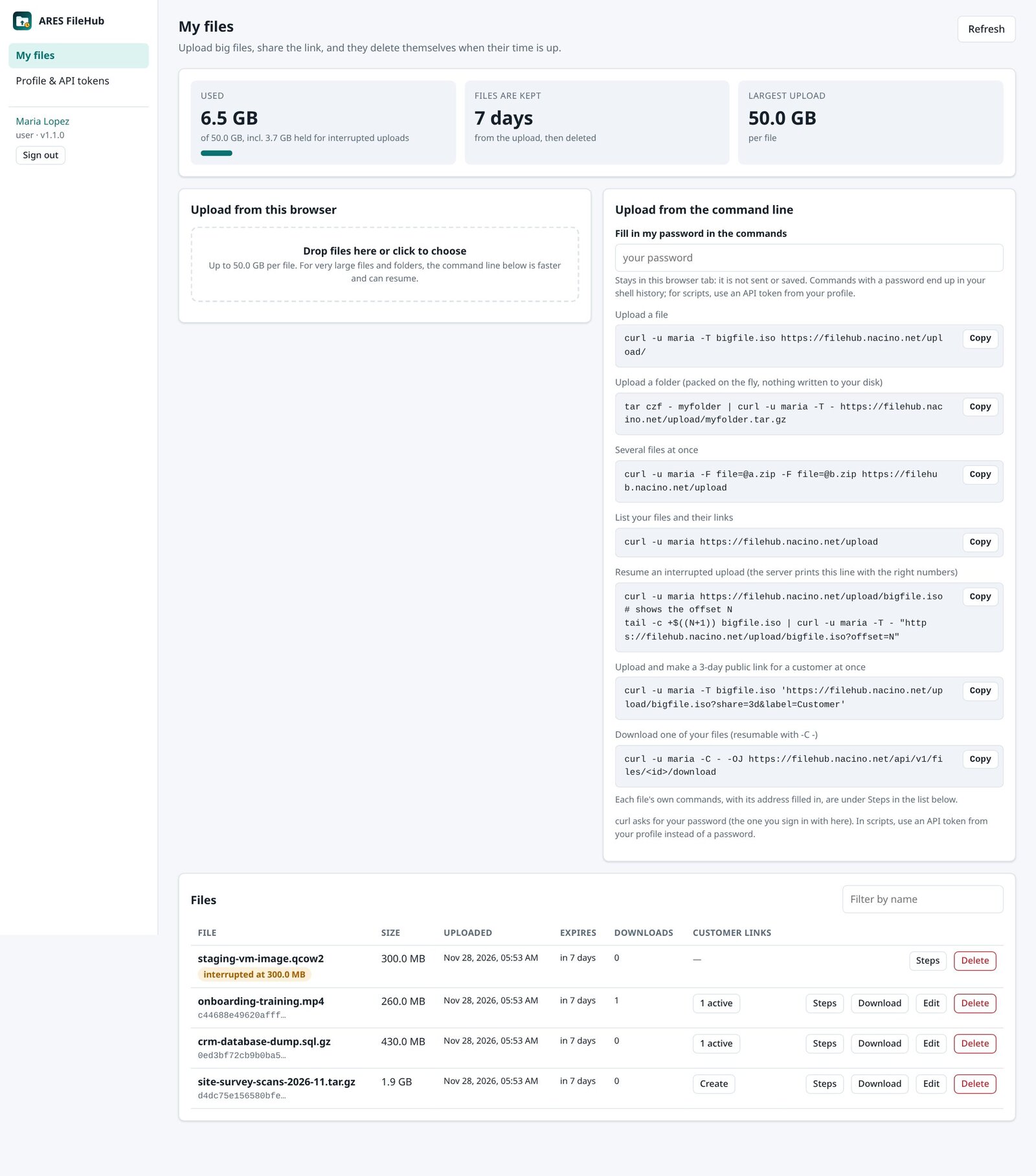
The main page shows what you store and how long it is kept, a drop area for the browser, and copy-ready curl commands with your name and the server's address filled in.
02
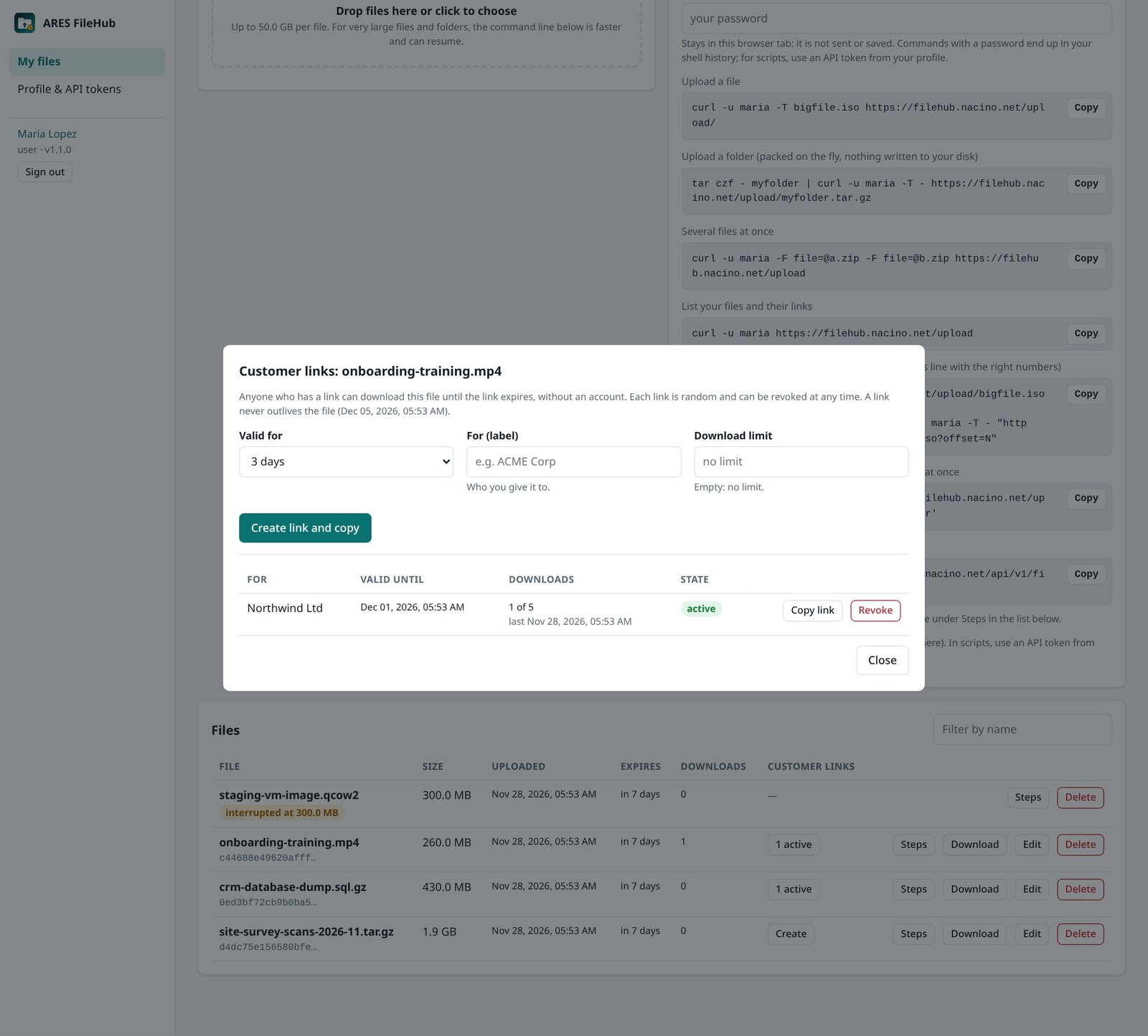
Choose how long the link works, who it is for and how many downloads it allows. Each link shows its downloads and can be revoked at any time.
03
Every command for one file, in the order you need them, with its address already in place.
04
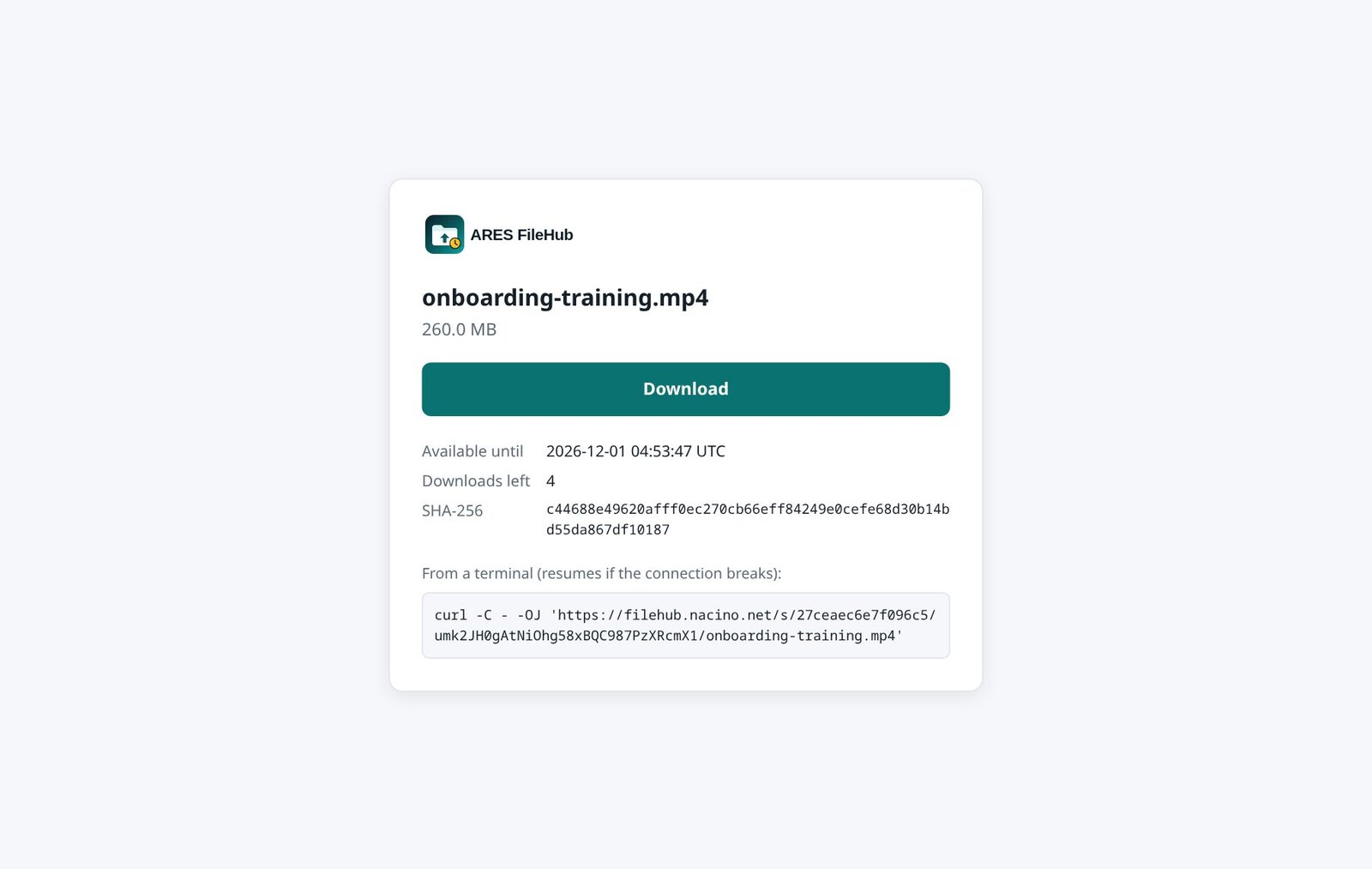
A small page with a Download button and the checksum, or the same link straight from a terminal, which continues a broken download.
Let AI agents write the code. Check it before it merges.
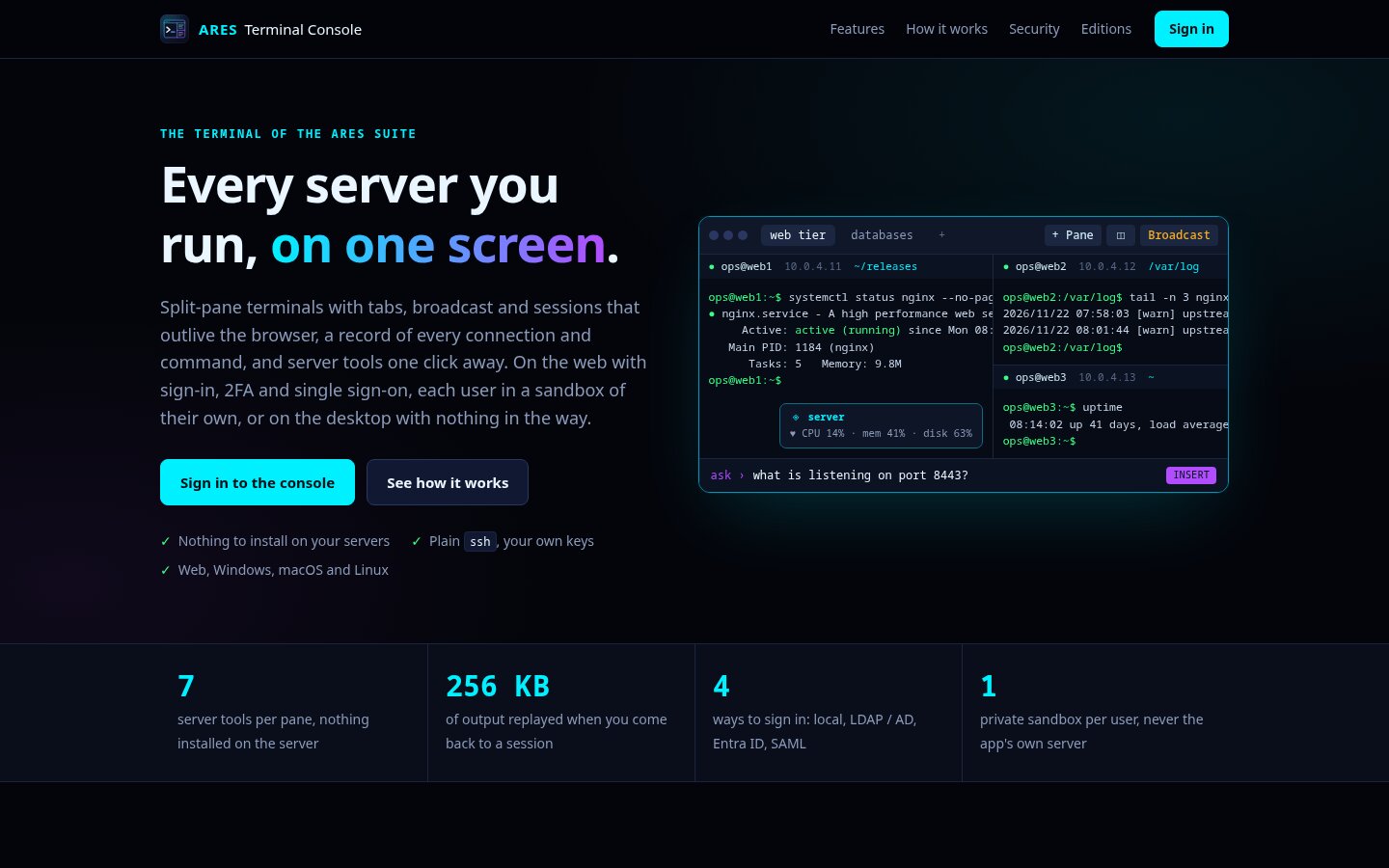
Every server you run, on one screen.
Request a demo and we will get in touch to arrange it.