Developer and operations toolsStatus: Available
ARES Code Checker
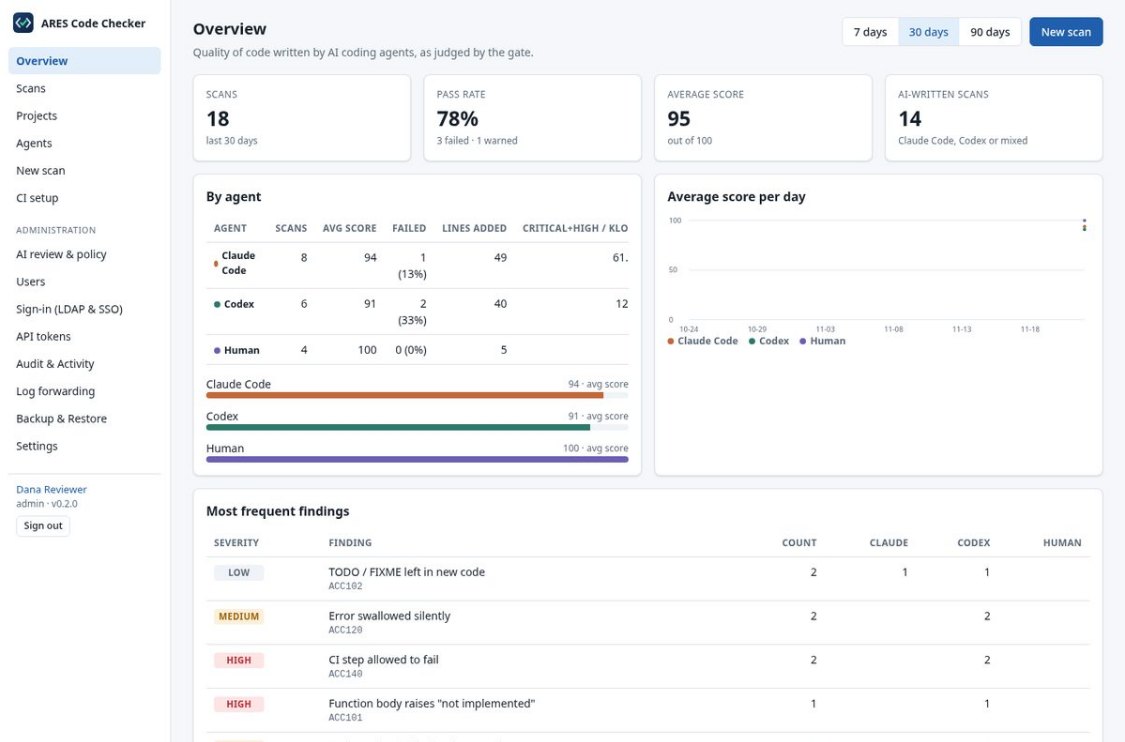
Let AI agents write the code. Check it before it merges.
Nacino LabsDeveloper and operations tools
Private services, public addresses, only for the people you trust.
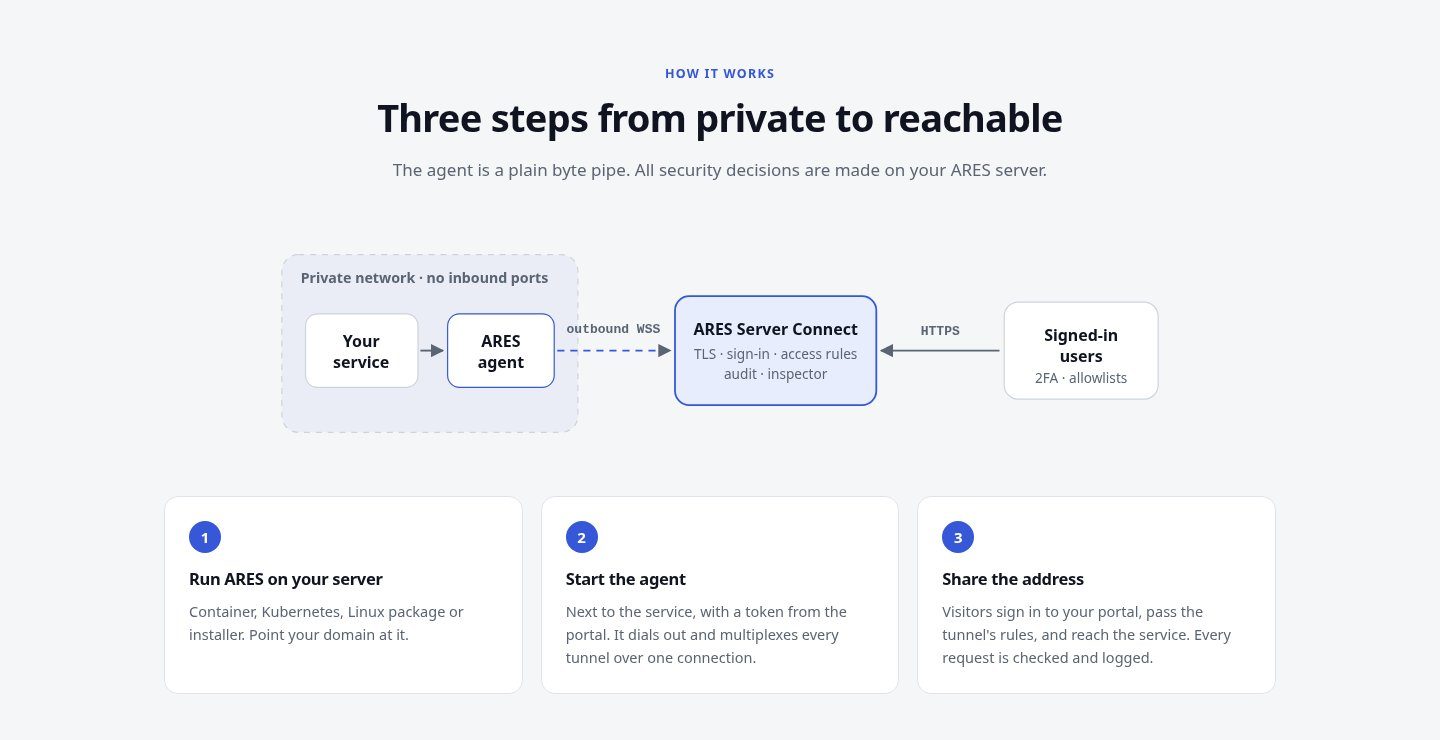
A self-hosted bastion that gives services behind a firewall a public HTTPS address on your own domain. A small agent next to the service dials out, nothing listens inbound, and every request passes sign-in and access rules on a server you run. The same portal also deploys applications to your servers.
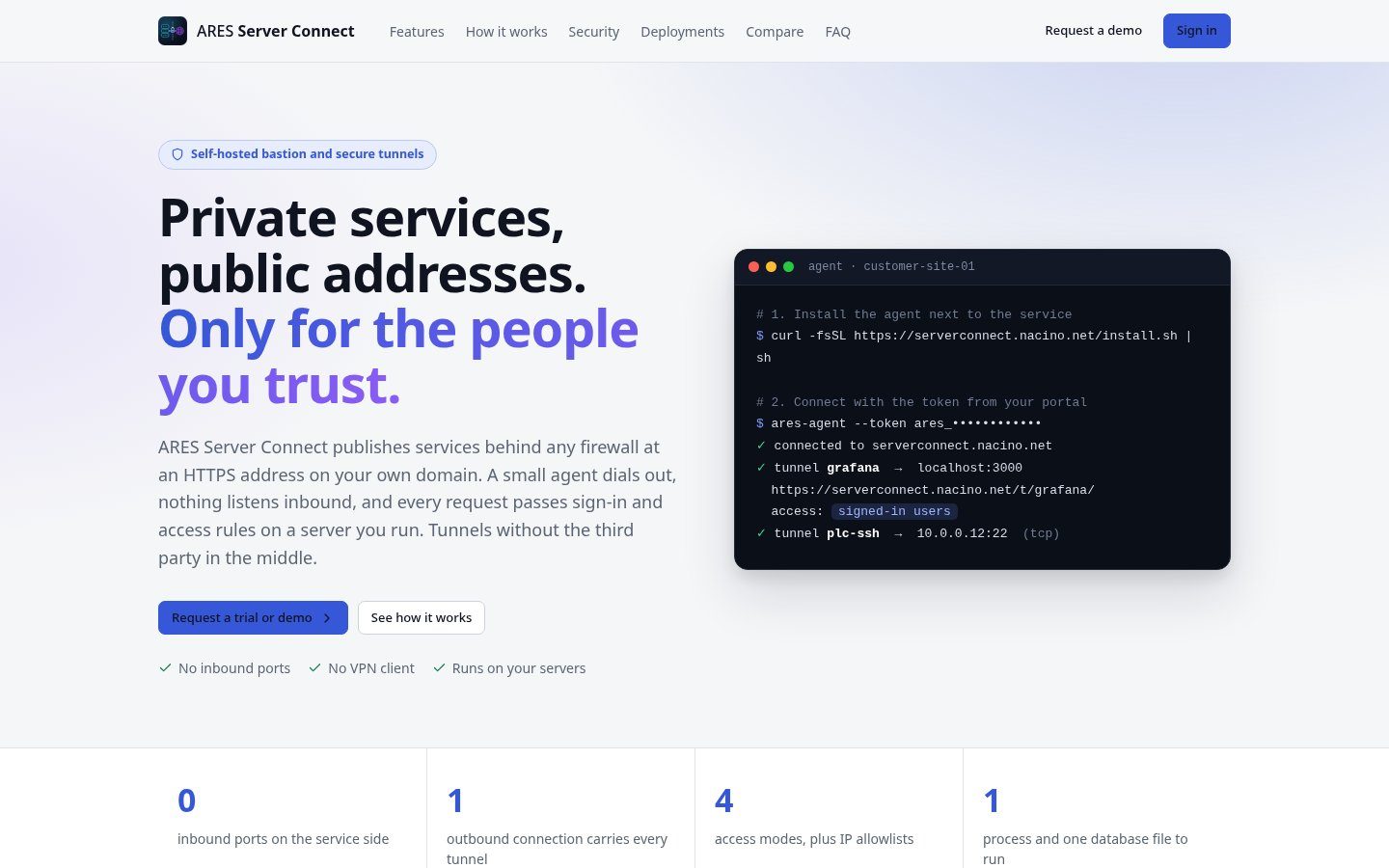
ARES Server Connect is for teams that need to reach services behind a firewall, such as an admin panel at a customer site, an internal tool for contractors, equipment in a lab or a preview for a reviewer, without opening ports, handing out VPN access or sending traffic through someone else’s tunnel service.
A small agent next to the service dials out to your ARES server and keeps one encrypted connection open. Visitors open a normal HTTPS address on your domain, sign in to your portal and pass the tunnel’s access rules before a single request reaches the service. Every tunnel belongs to a named person, and revoking a token or an account ends access on the next request.
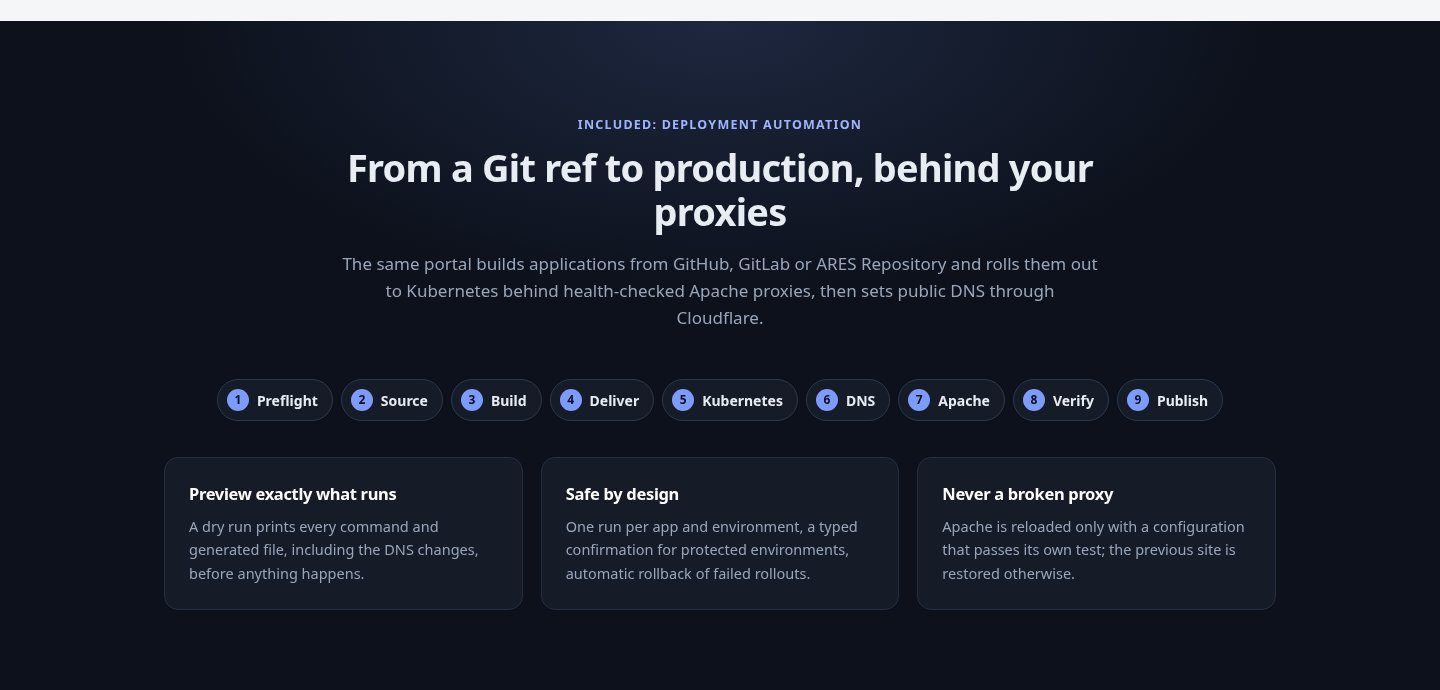
The same portal takes applications from GitHub, GitLab or ARES Repository, builds them and rolls them out to Kubernetes behind your Apache proxies, with a dry run that shows every command before anything changes. ARES Server Connect runs on infrastructure you control, with two-factor sign-in, an audit log, API tokens, SIEM forwarding and encrypted backups.
Want to see it on your own network? Request a demo and we will set it up with you.
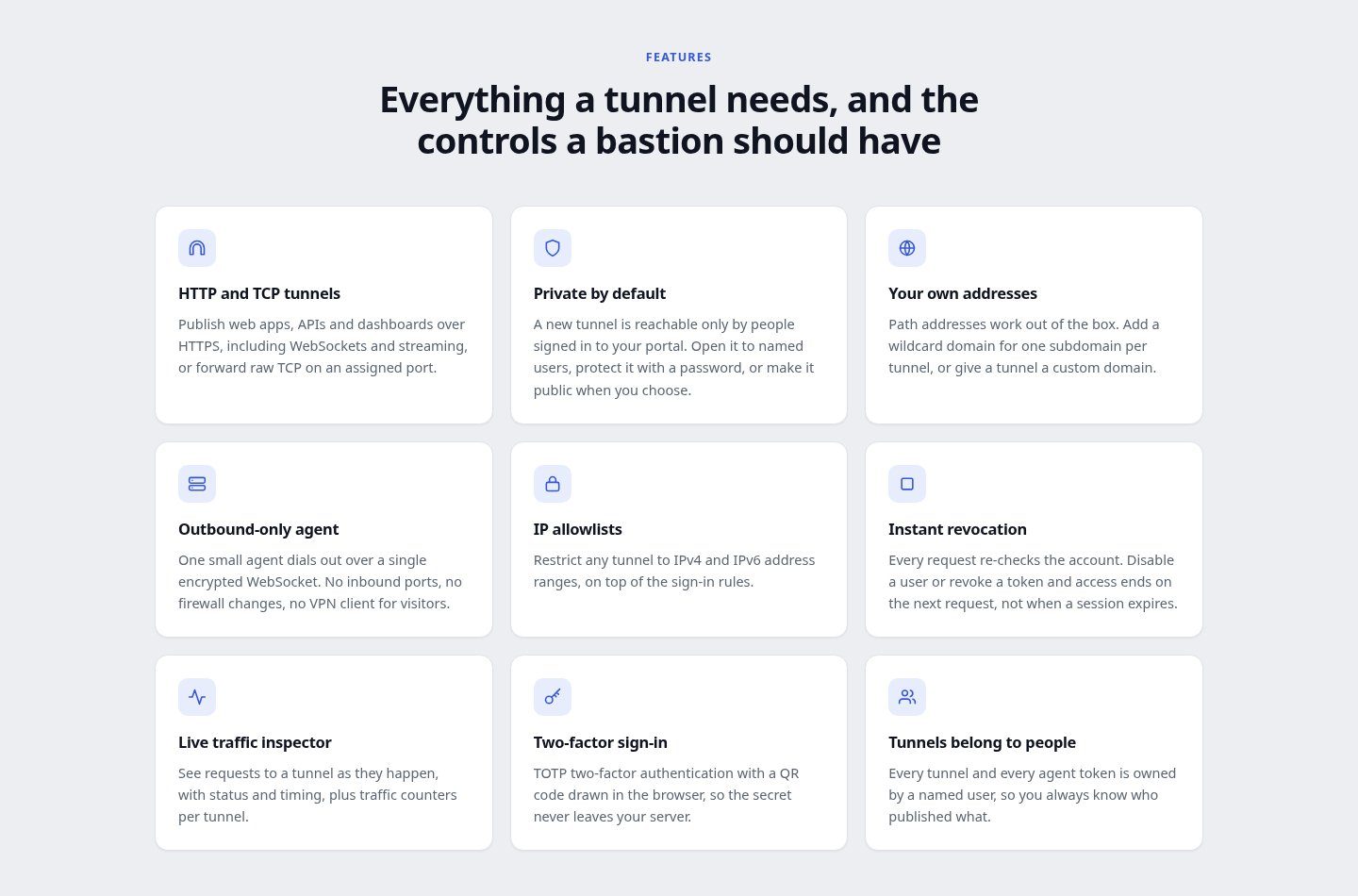
Publish web apps, APIs and dashboards over HTTPS, including WebSockets and streaming, or forward raw TCP on an assigned port.
A new tunnel is reachable only by people signed in to your portal. Open it to named users, protect it with a password, limit it to IP ranges or make it public when you choose.
One small agent opens a single encrypted connection out to your server and carries every tunnel. No inbound ports, no firewall changes and no VPN client for visitors.
Each tunnel and agent token is owned by a named user, with a live traffic inspector and instant revocation of a token or an account.
Build applications from GitHub, GitLab or ARES Repository and roll them out to Kubernetes behind health-checked Apache proxies, with a dry run first and automatic rollback of failed rollouts.
Two-factor sign-in, an append-only audit log, scoped API tokens, JSON logs your SIEM understands and encrypted backups to SFTP or S3.
Let AI agents write the code. Check it before it merges.
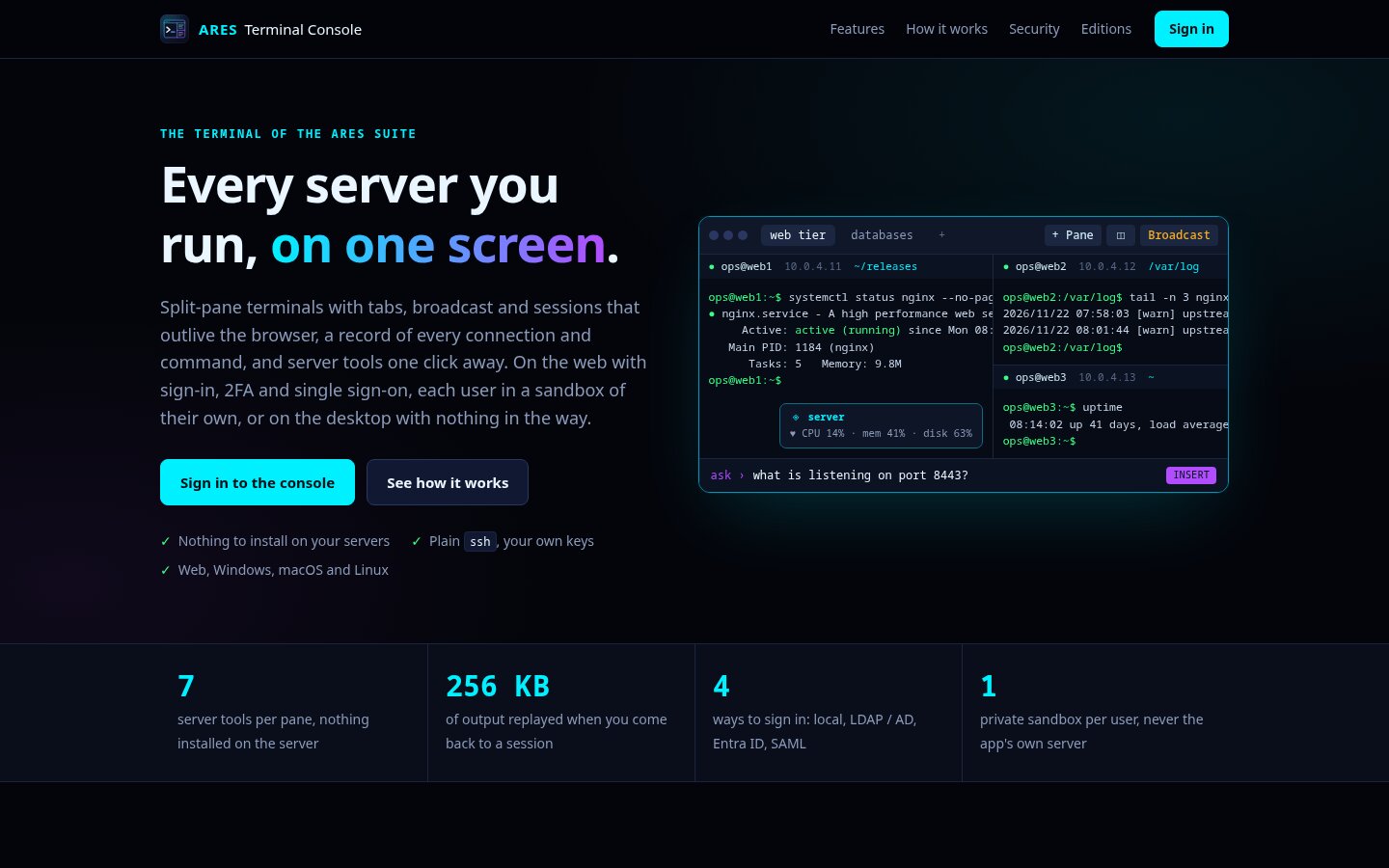
Every server you run, on one screen.
Request a demo and we will get in touch to arrange it.