Developer and operations toolsStatus: Available
ARES Code Checker
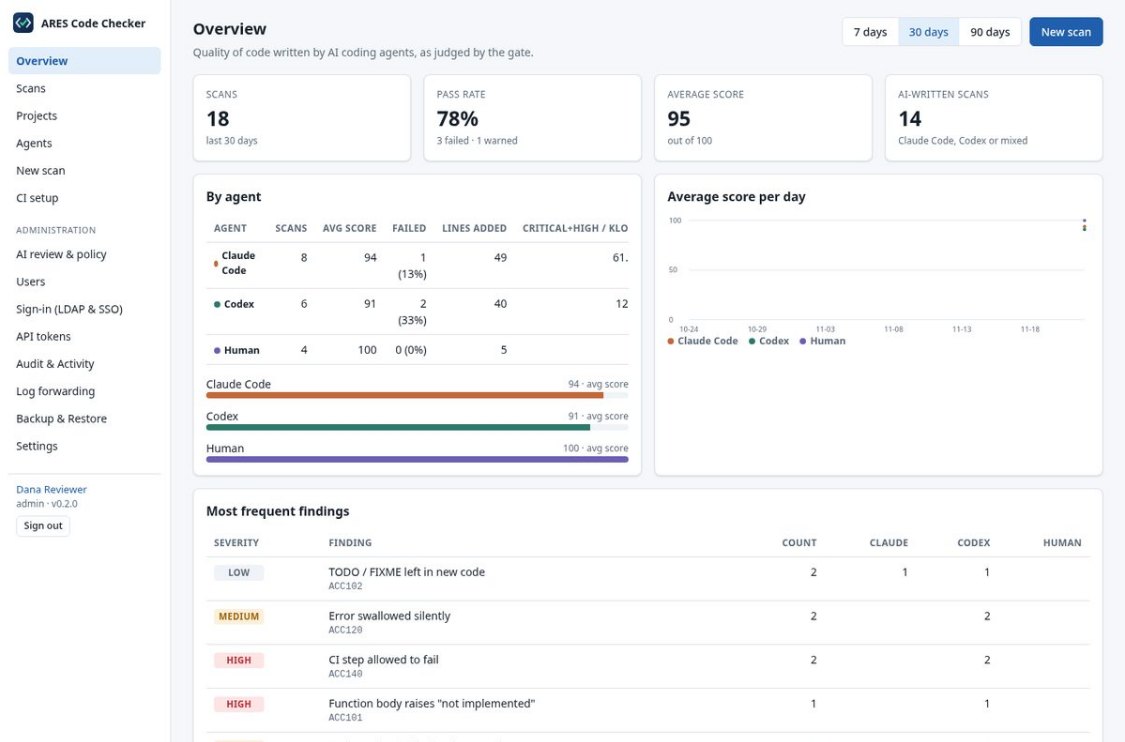
Let AI agents write the code. Check it before it merges.
Nacino LabsDeveloper and operations tools
Every server you run, on one screen.
Split-pane terminals with tabs, broadcast and sessions that outlive the browser, a record of every connection and command, and read-only server tools one click away. On the web with sign-in, two-factor authentication and single sign-on, or as a desktop app for Windows, macOS and Linux.
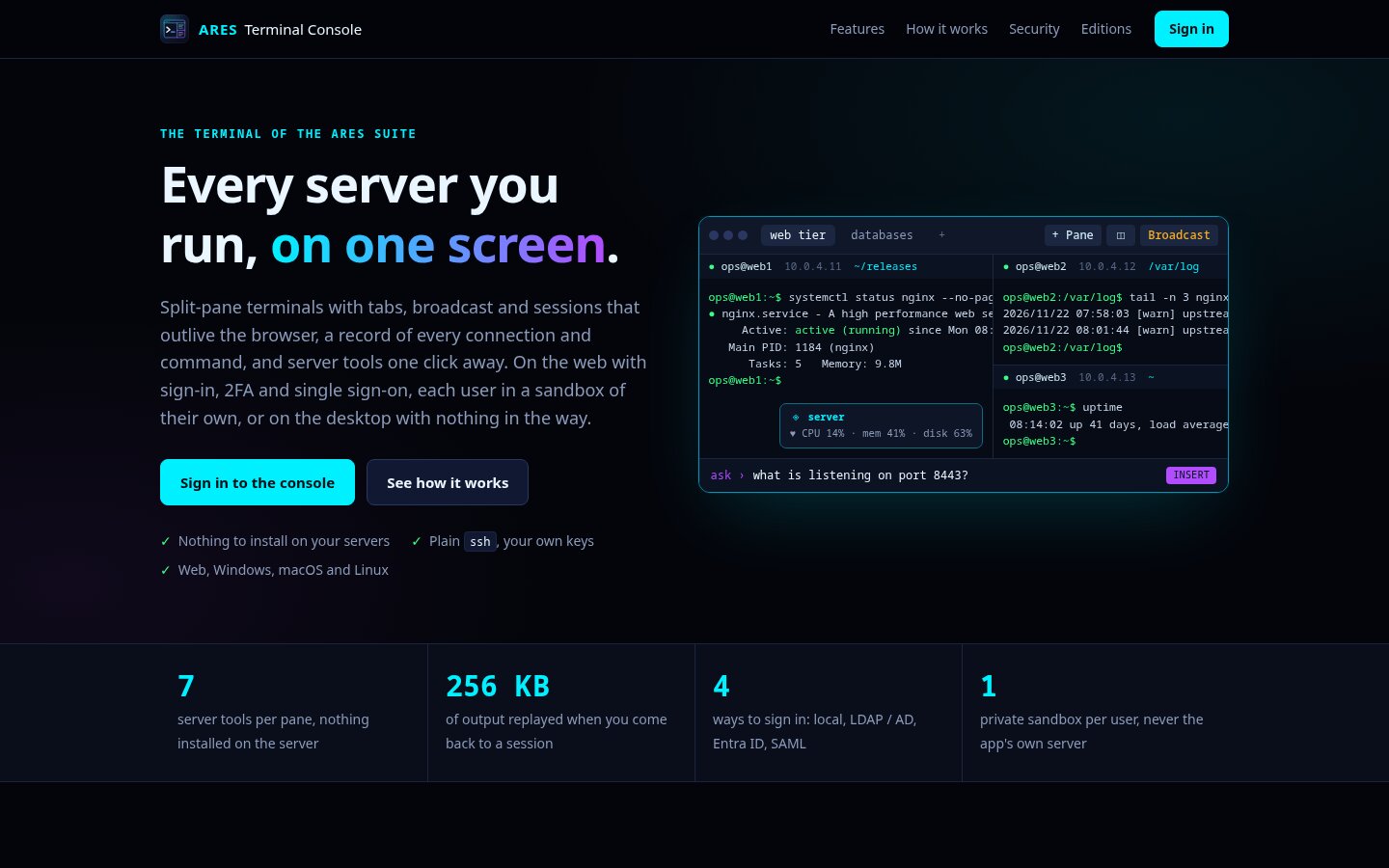
ARES Terminal Console is the terminal of the ARES Suite, made for the people who run servers: system administrators, operations and support engineers, and teams that share access to the same machines. It puts local shells and SSH sessions side by side in split panes and tabs, with broadcast to type into many servers at once.
Sessions outlive the window. A command keeps running when the browser tab closes or the laptop sleeps, and reopening the session replays its recent output. Every connection and command is kept in a searchable history, with passwords and tokens blanked, so yesterday’s command is one click away.
It comes in two editions from one codebase. The web edition works from any browser, with user administration, two-factor authentication, single sign-on and a private sandbox for each user’s terminals, plus backups, API tokens, an audit log and SIEM forwarding. The desktop app for Windows, macOS and Linux is one person’s terminal on their own computer, with no sign-in in the way.
Each tab holds its own splits of local shells and SSH sessions. Broadcast sends every keystroke to all the panes of a tab, and the window turns amber so it cannot be forgotten.
Closing the tab, losing Wi-Fi or putting the laptop to sleep does not stop a command. Reopen it and the last 256 KB of output is replayed before it carries on live.
Every session, server and command line sent, searchable and ready to reuse. Passwords, tokens and credentials in URLs are blanked before anything is written.
Seven read-only tools on any pane look at the server over the pane's own connection, without installing or changing anything there.
Ask in plain language and get the command; it is put at the prompt for you to check, never run on its own.
The web edition has local accounts, LDAP / Active Directory, Microsoft Entra ID and SAML 2.0 with two-factor sign-in, and runs each user's terminals in a private sandbox, never on the application's own server.
Let AI agents write the code. Check it before it merges.
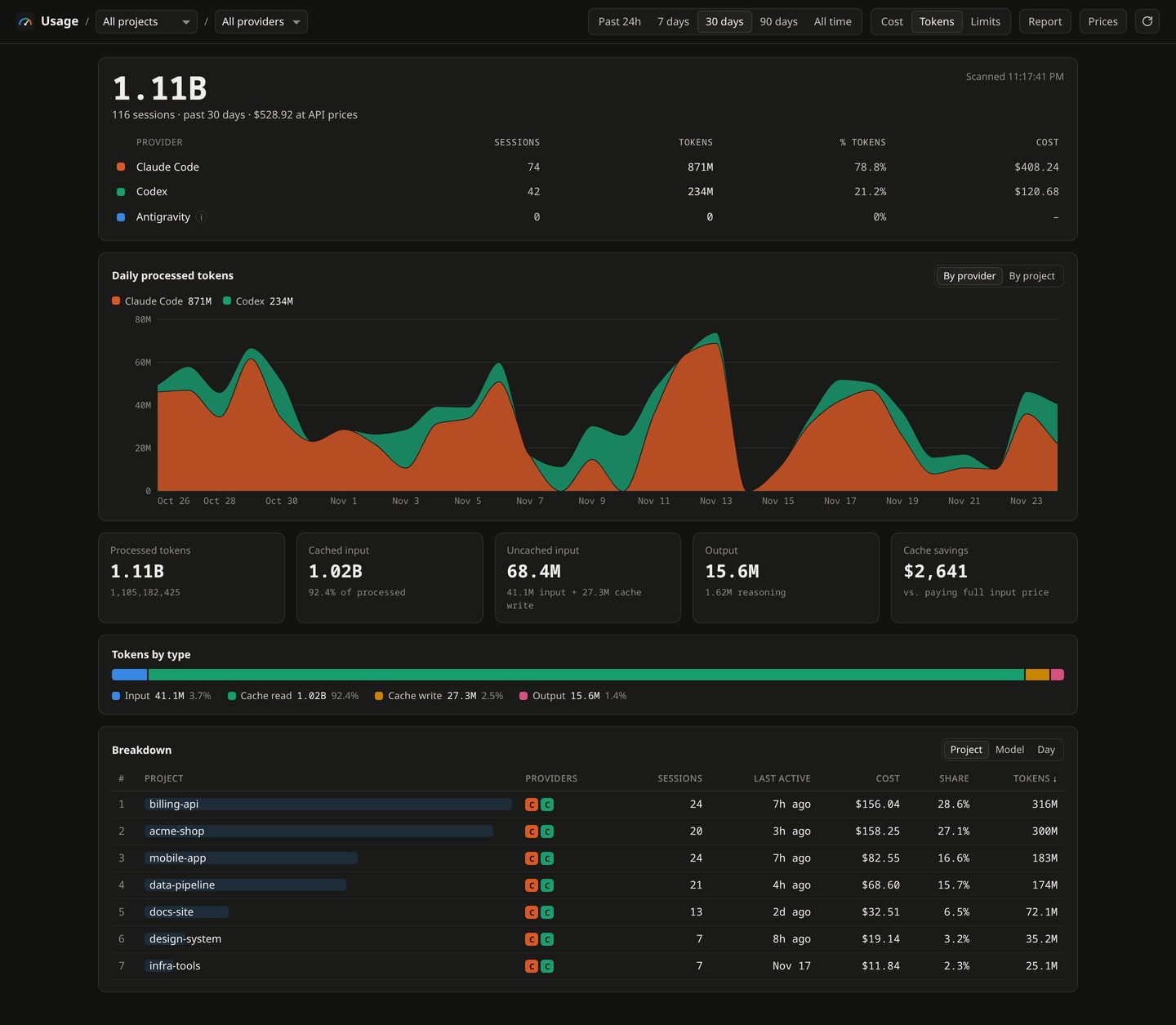
Where your AI coding agents spend their tokens.
Request a demo and we will get in touch to arrange it.