
Nacino Labs
ARES Karaoke Builder
Any song, any video, turned into a sing-along karaoke video.
Overview
ARES Karaoke Builder is a karaoke video studio developed by Nacino Labs. Paste a link or upload a file and it removes the singer, finds or reads the lyrics, times every word to the recording and renders a finished MP4 over a background chosen for the song. No video editing skills are needed: a person only checks the result and, when needed, fixes a line.
It handles two kinds of source. From an existing karaoke video it keeps the music, reads the lyrics off the picture and copies the original word highlighting. From a music or lyric video with vocals it removes the singer and times the lyrics to the voice. Songs can be moved to a different key, slowed down or shortened, and the lyrics follow.
It is built for karaoke channels, hosts and singers. Besides the video it can export the instrumental and vocal tracks, word-timed lyrics (LRC) and the lyrics alone as a transparent video for editors. It runs in the browser and as a desktop app for Windows, macOS (Apple silicon) and Linux.
See it at areskaraokebuilder.nacino.net.
Features
AI vocal removal
Separates the music from the singer with a high-quality AI model, and keeps the music as loud as the original.
Every word timed
Published lyrics are aligned word by word to the singing; when none exist, the lyrics are read off the video or transcribed.
Backgrounds for the song
A nature photo, animated theme or AI artwork picked from the song's mood, key, tempo and words, or your own video.
Professional looks in one click
Nine style presets with eleven bundled fonts, duet colours, translation lines and chords above the lyrics.
Every screen
16:9 for YouTube and TV, 9:16 for Shorts, Reels and TikTok, 1:1 and 4:3, up to 4K at 60 fps.
Straight to YouTube
Uploads the finished video with your own intro and outro clips and a subscribe card at the end.
Screenshots
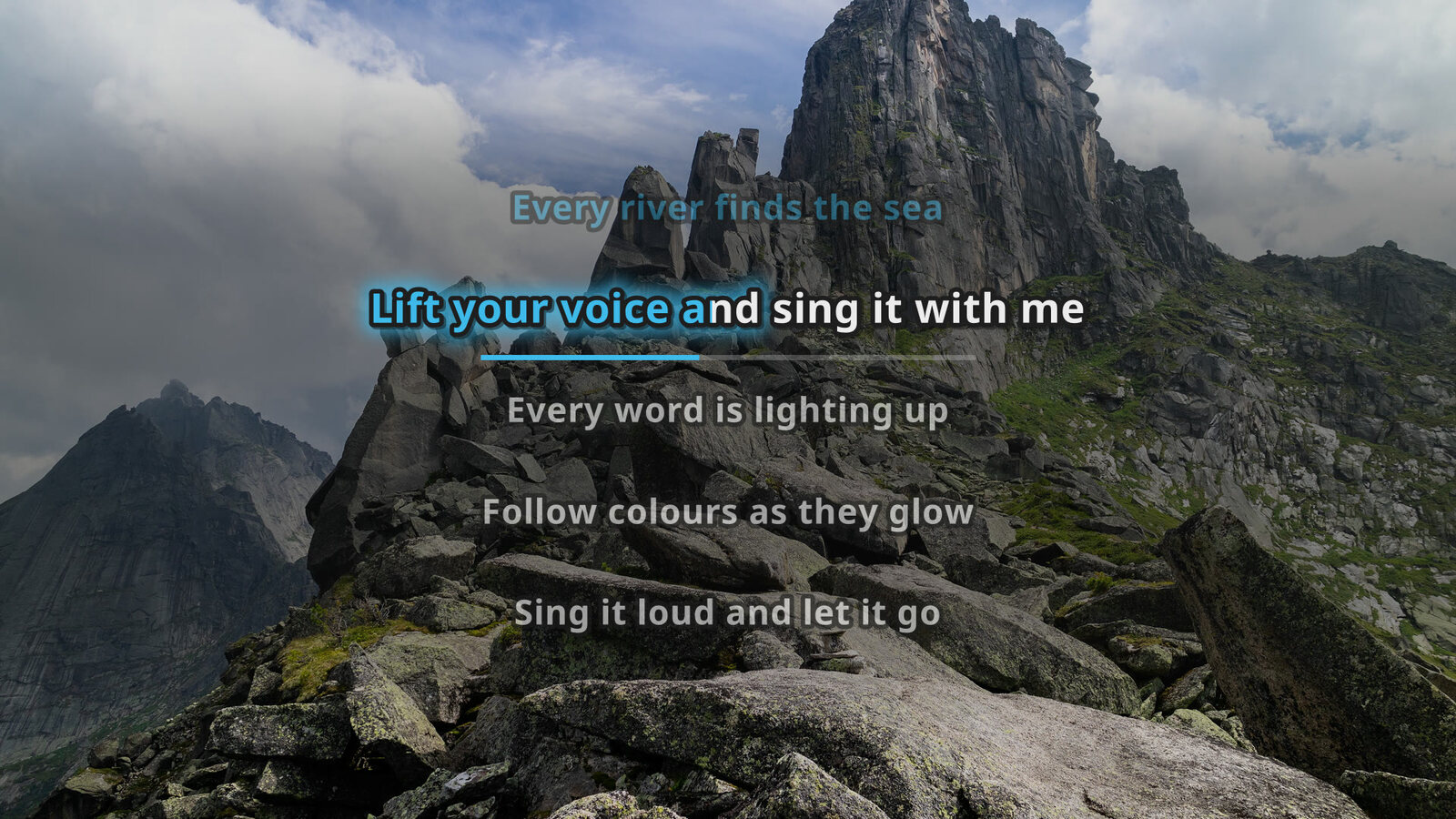
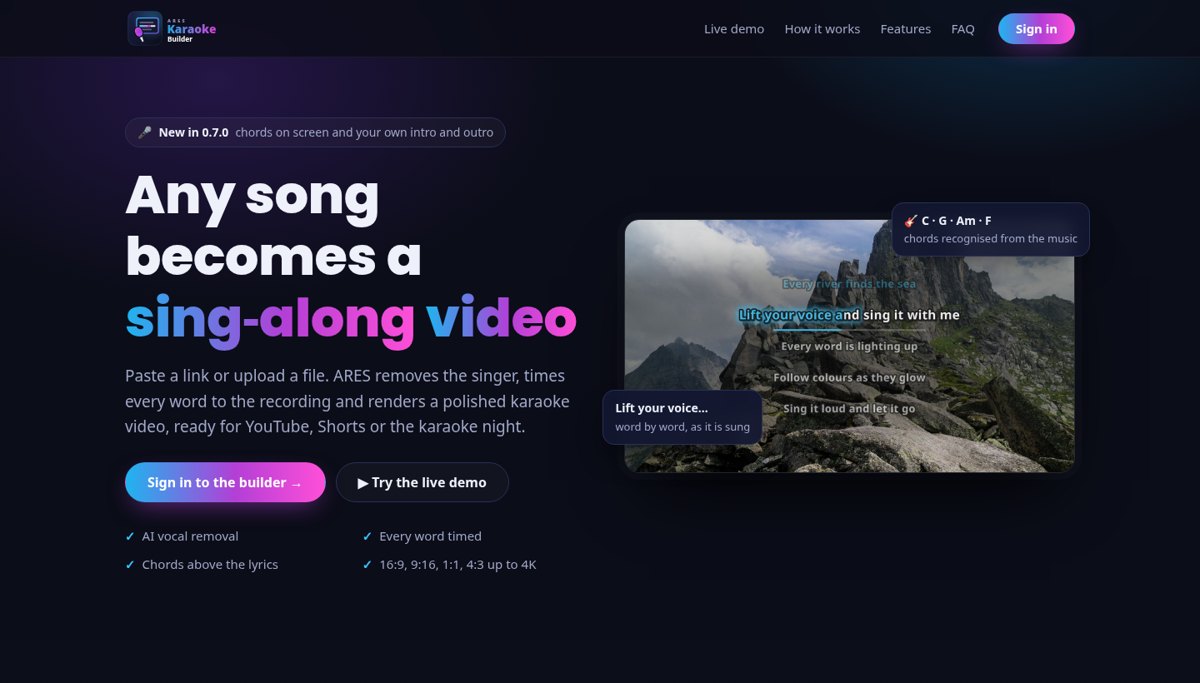
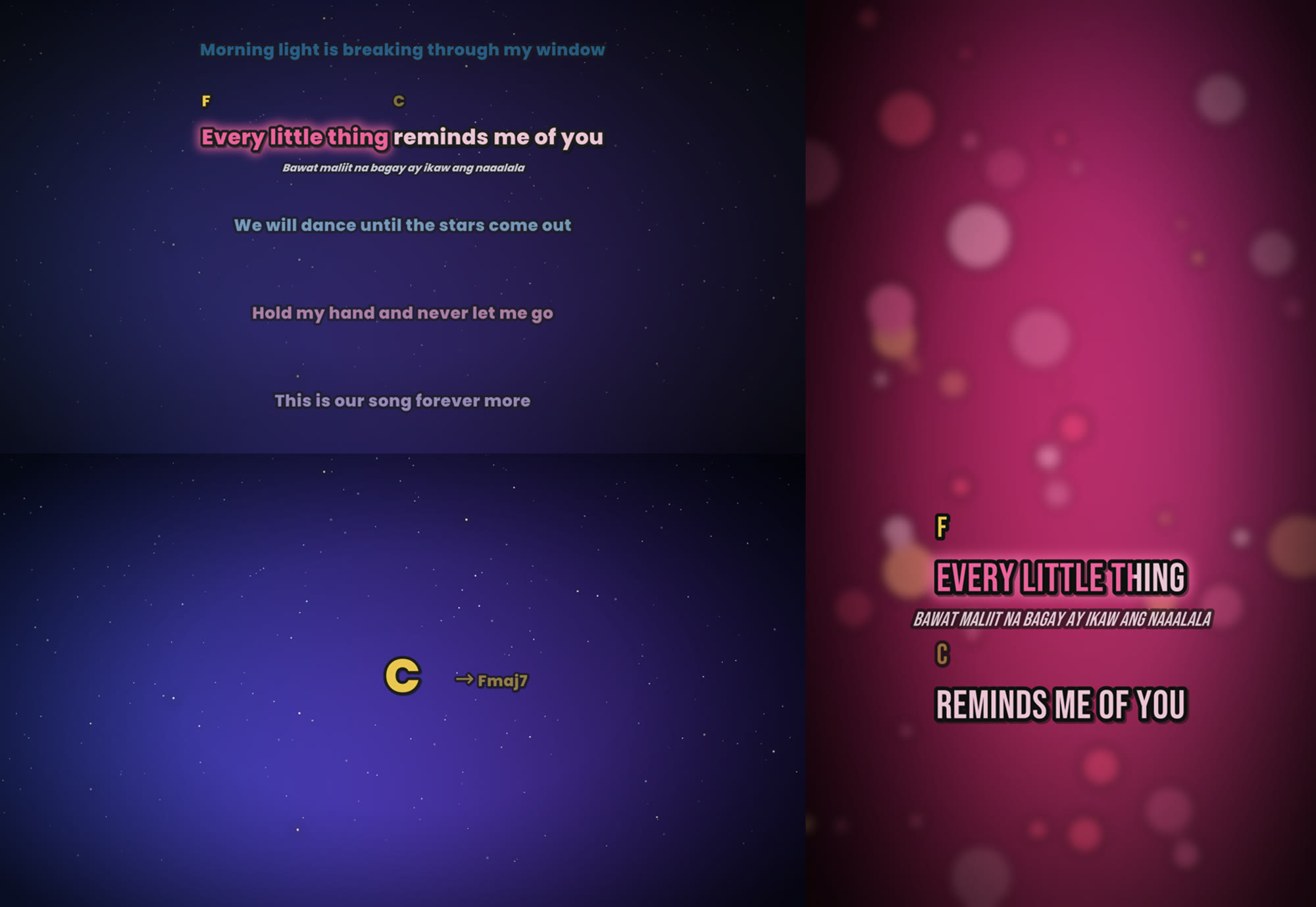
See ARES Karaoke Builder in action
Request a demo and we will get in touch to arrange it.